201.2.1.17 Define the Diffusion of Rights
Defining the diffusion of licensing rights
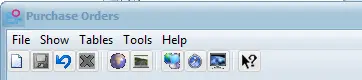
The "Purchase Orders" module allows to specify the diffusion of the licensing rights assigned to each order line (i.e. single/season program) with user-defined territories, areas and media type. In order to manage the diffusion of rights Area, templates need to be configured in the Tables drop down option on the BMS Menu:
Bms_purchase_order_interface
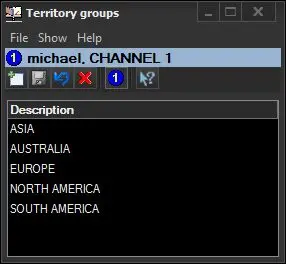
1.Territory Groups
Define your Territory groups, for example Europe, America, Asia (you are able to assign rights to either a Territory Group or a Territory as required).
Bms_purchase_order_interface_territory_groups
Bms_diffusion_01
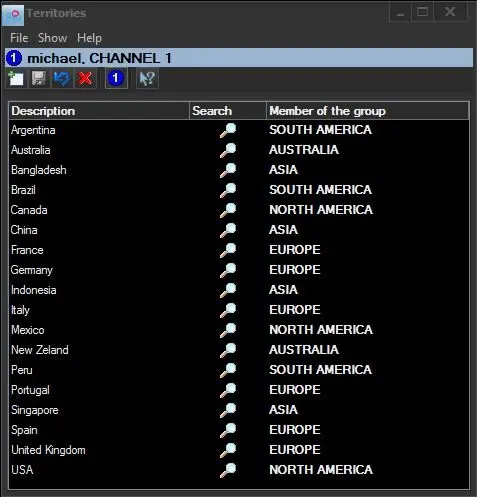
2.Territories
Specify the Territories that feature in the Territories Groups, for example Italy, Spain, France and Germany will be linked to the 'Europe' territory group.
Bms_purchase_order_interface_territory
Bms_diffusion_02
3.Media
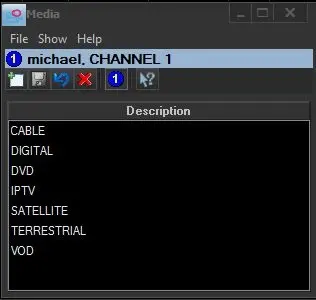
Define the available Media (diffusion means) allowed, for example Analog TV, Sat, Terrestrial, UMTS and Web.
Bms_purchase_order_interface_media
Bms_diffusion_03
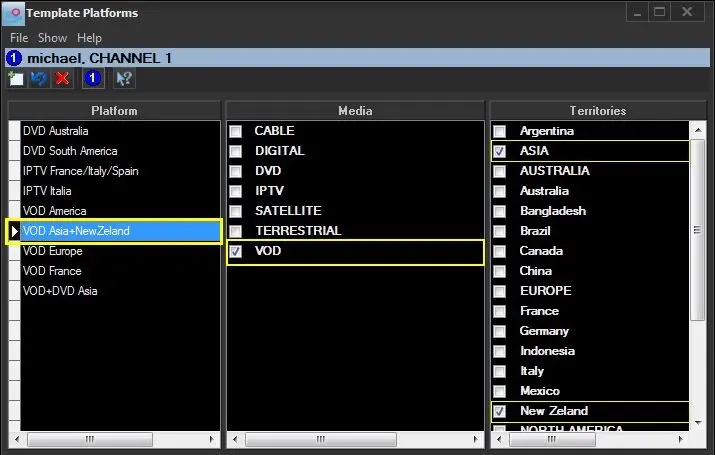
4.Templates Areas
Create your Template Areas by collating the pre-configured territory group, territories and media into the template.
Bms_purchase_order_interface_templates
Bms_diffusion_04
5.Link Areas
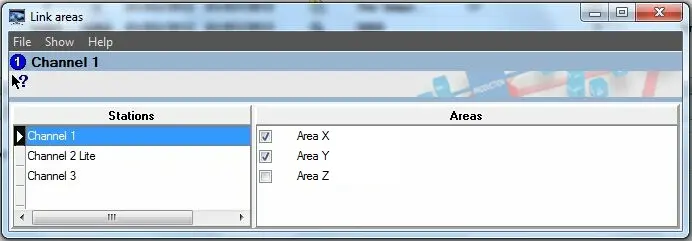
For each licensed station it can define the template link areas that will be available for each destination. For instance, in the example below, the "Channel01" is set to only allow the "AreaX" and the "AreaY" areas:
Bms_purchase_order_interface_linkarea
Bms_diffusion_05
NB: Stations names are set under the "Etere Configuration > Settings > Air Sales -> Stations" section.
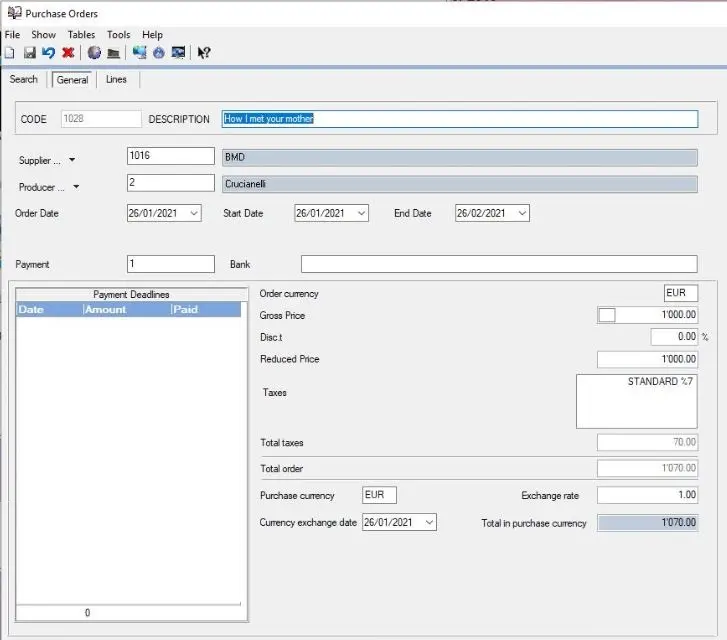
6.At this point, use the "Rules > Template area" parameter to dictate the "template area" to be applied for the selected destination(s) Please note that once the template area is selected, it could select only those destination stations linked to that area:
Bms_diffusion_06
 Bms_purchase_order_interface_templates
 Bms_diffusion_02
 Bms_purchase_order_interface_linkarea
 Bms_purchase_order_interface_media
 Bms_diffusion_01
 Bms_diffusion_04
 Bms_diffusion_06
 Bms_purchase_order_interface_territory
 Bms_diffusion_05
 Bms_diffusion_03
 Bms_purchase_order_interface
 Bms_purchase_order_interface_territory_groups