GUI
50.1.1 Etere Menu
In Microsoft Windows 7 and Microsoft Servers 2008 R2, Etere shortcuts are available in the All programs section when you click the Start Menu.
In Windows 8, Windows Server 2012, and Windows Server 2012 R2, Etere shortcuts are available on the Start Screen.
In Microsoft Windows 10 and Windows Servers 2016 to 2022, Etere shortcuts are available when you click the start button in a dedicated folder called "Etere", as shown in the image below. Shortcuts are automatically created during the installation process.
NB: From Etere released version 28.1 onwards, Microsoft .Net Framework 4.5 is required. Moreover, Windows XP and Windows Server 2003 are no longer supported.
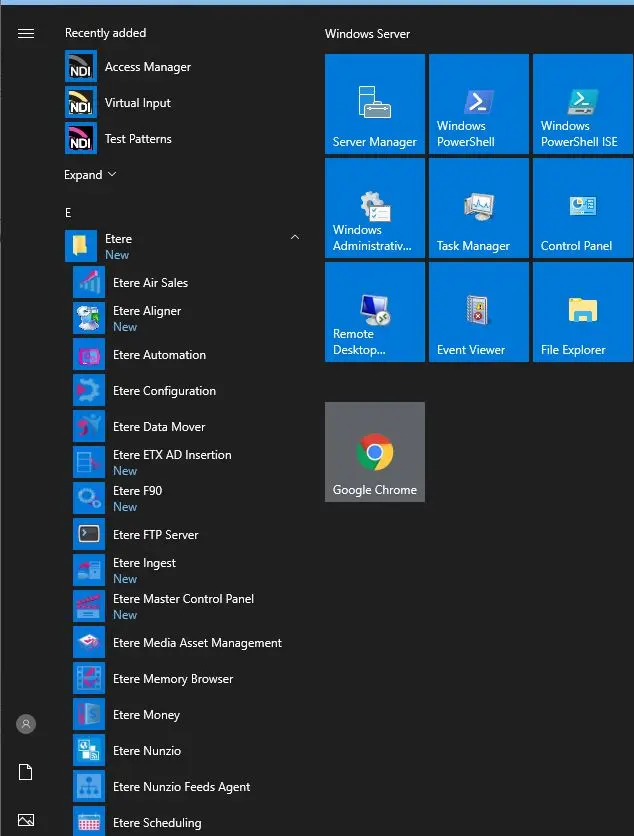 All programs section when you click on the Start Menu