18.1.7 Widgets
After the user logs in to EtereWeb, the user can deploy software widgets on the web page to perform useful operations or enhance the web experience by defining the widget settings.
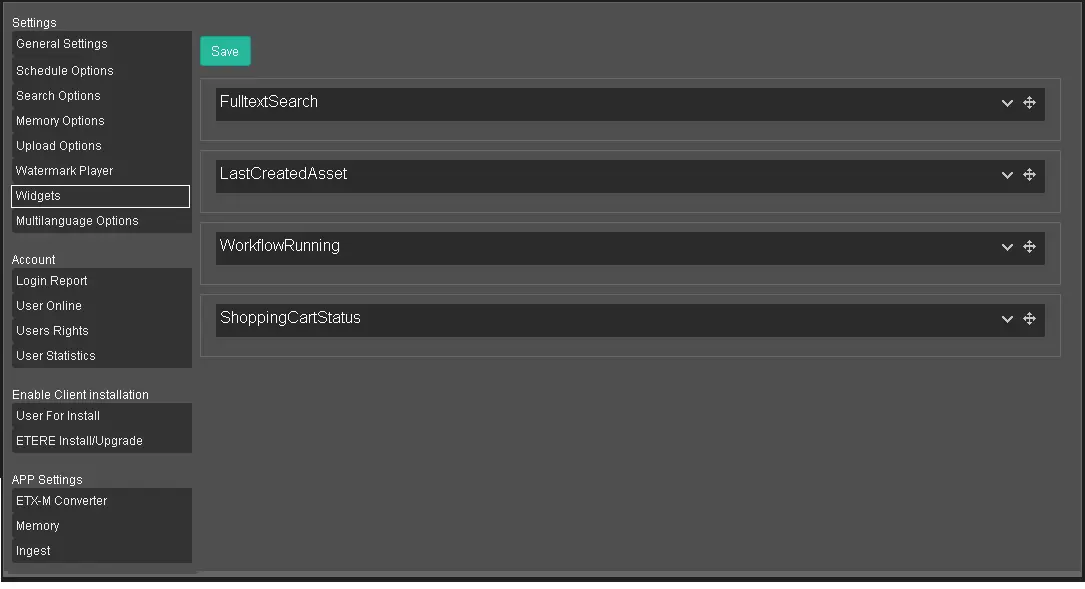
The Widgets in Etere Web can be categorised into four main functions:
Widgets 1
FullTextSearch: This widget performs a Google-like full-text search for the whole word (i.e. Telecommunication) or part of a word (i.e. Telecom) across all database tables storing the asset information;
LastCreatedAsset: This widget searches the database for the last asset created in the system by determining the date and time;
WorkflowRunning: This widget displays the T-workflows currently running in the system;
ShoppingCartStatus: This widget displays the status of the Shopping Cart's tickets;
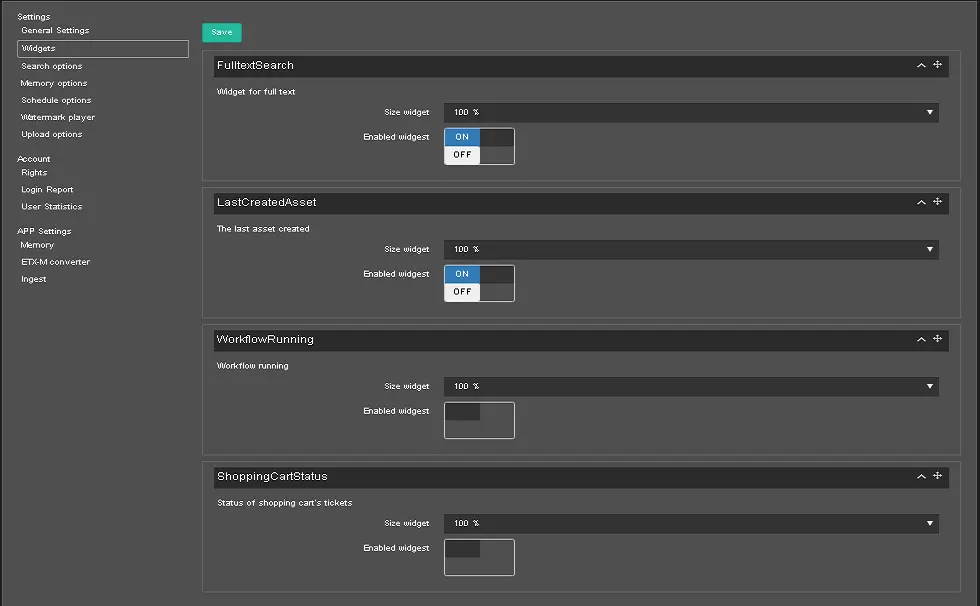
Use the expand icon to expand each category and define the settings:
Widgets 2
For each category, use the function key to deactivate it.
When a category is enabled, set the widget's size according to your needs.
• Choose dimension;
• 100%;
• 50%.
When settings are confirmed, click the <Save> button to save the configuration.
 Widgets_1
 Widgets_2