76.1.2 Schedule Management
By clicking the right mouse button on one of the schedules, we can see, in the same window, the events in detail by selecting the 'Executive Editor' option. It is divided into two kinds of views:
•Go to the on-air event: to see the event on air (remember that the Etere Aligner module must be running to keep the schedule synchronized with automation),
multichannel_gui_open_station
•Go to hh:mm: ss. ff: to see the event at the time selected at the point on which you focus the mouse pointer.
multichannel_gui_station
Once you have opened the schedule, it is possible to right-click on a specific channel and select the Executive Editor option. It will allow the operator to manage its daily schedule(i.e., insert events, move events, delete events, etc.) and then publish (Multichannel View_secondbutton05) performed changes to the automation schedule, all directly from Multichannel Editor, etc.
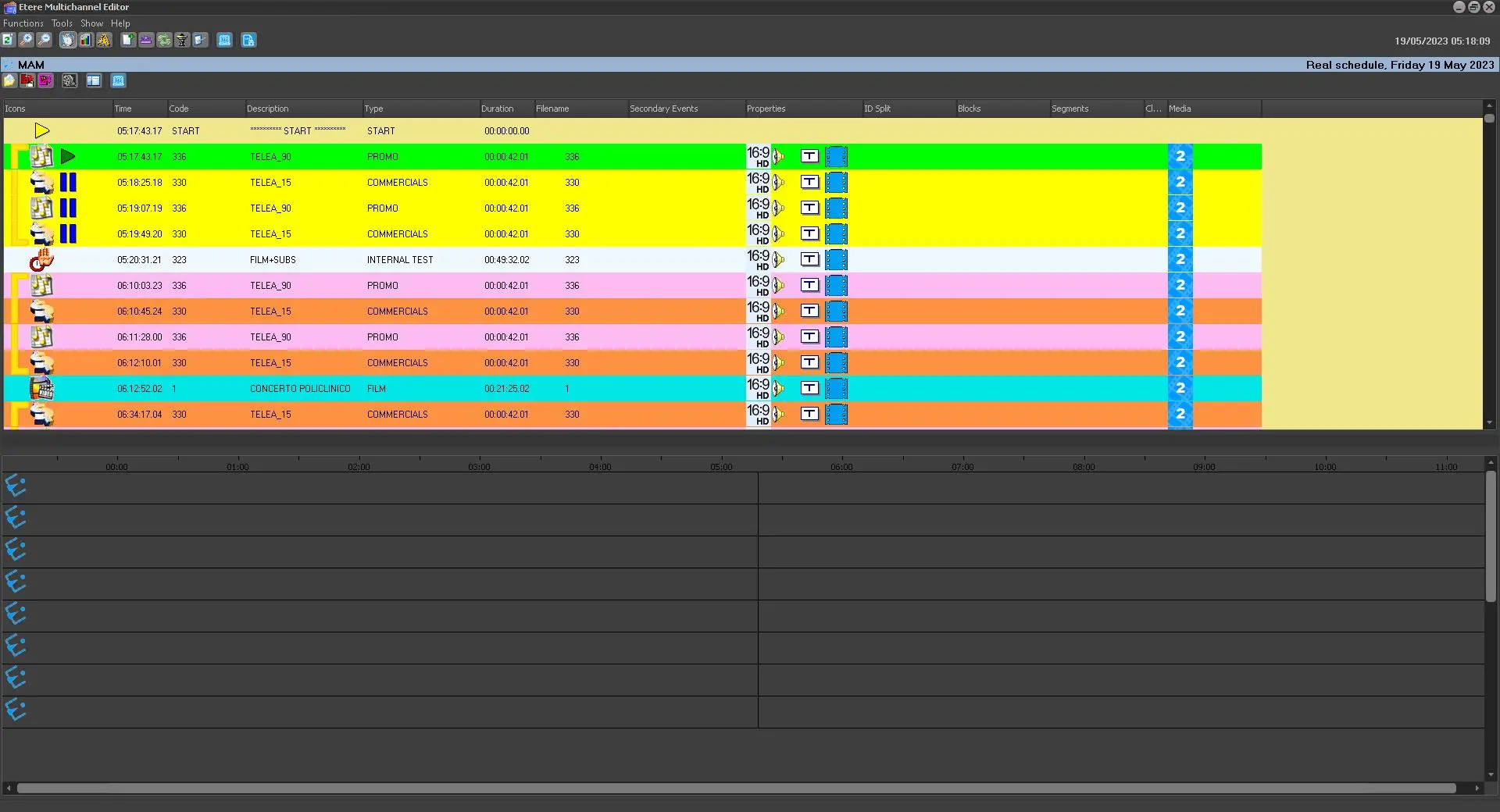 multichannel_gui_station
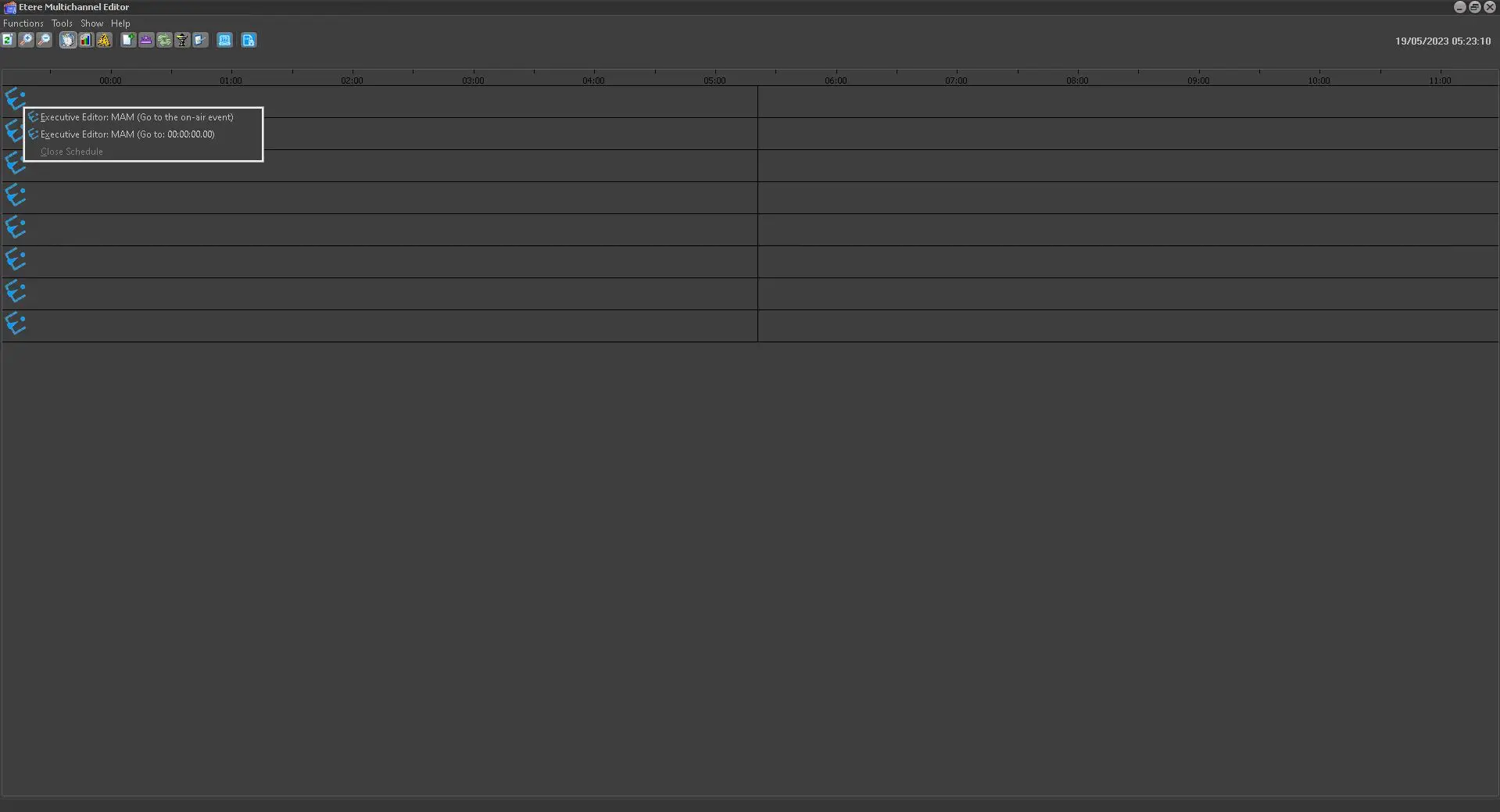 multichannel_gui_open_station