71.18.15.1 File Delete via T-workflow
Etere Ingest through its Operations By Workflow module, allows you to delete video files associated to certain assets that have been linked to a proper Deletion Workflow (i.e. a T-workflow which contains a Asset File Delete action). Use this option carefully because files will be deleted even if the asset is scheduled to be broadcasted.
The Operations by T-workflow module is enhanced to create file deletion actions automatically to delete files without TC for every meta devices, it will eliminate the possibility of zeroing all marks and deleting other meta device assets in the playlist while deleting video files with linked assets.
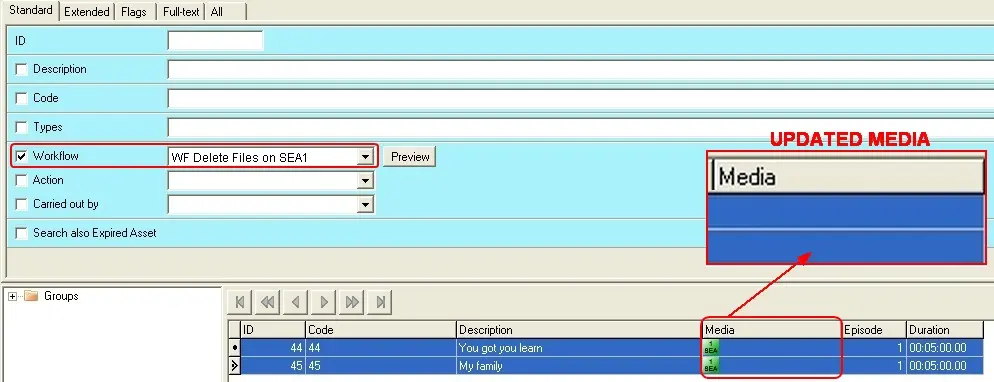
This feature is useful if, for example, you want to carry out a batch deletion of video files linked to a group of assets. The image below illustrates how the 'Media' (section that indicates to which video files the asset form is linked) of a certain group of assets have been updated after that a 'File Deletion' action has been performed via T-workflow:
T-workflow action
In order to perform this kind of operations, please refer to the proper chapter regarding the Operations By Workflow module.
 T-workflow_action