59.2.50.2 First Configuration
Once the installation process has been done we can start the Ingest Service configuration.
The first step in order to start configuring it, is to manually start the all the available Etere Ingest Windows Services.
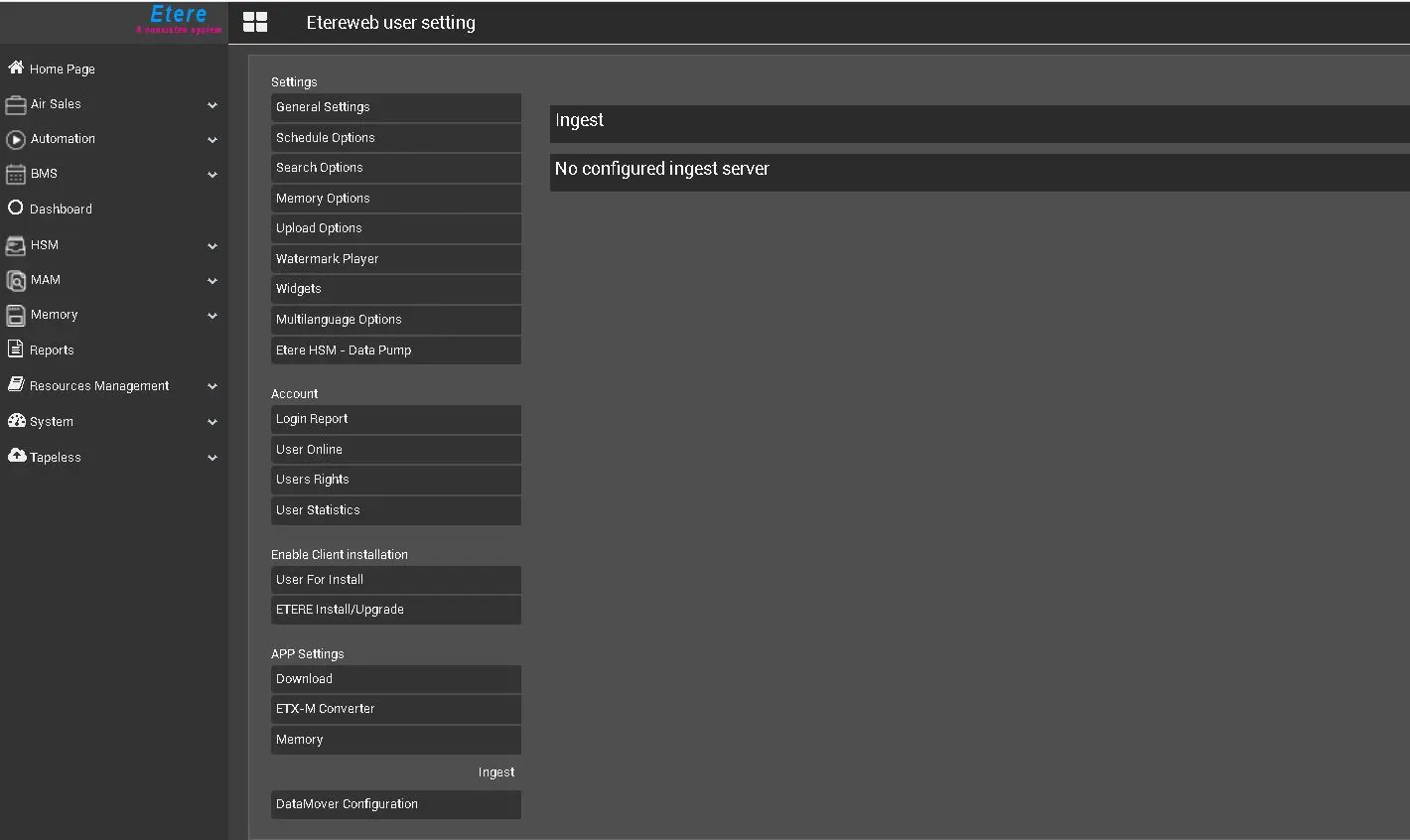
Unlikely the Classic Ingest Module, the Ingest as a Service configuration starts from the Etere Web Interface.
ingest_no_configred_service
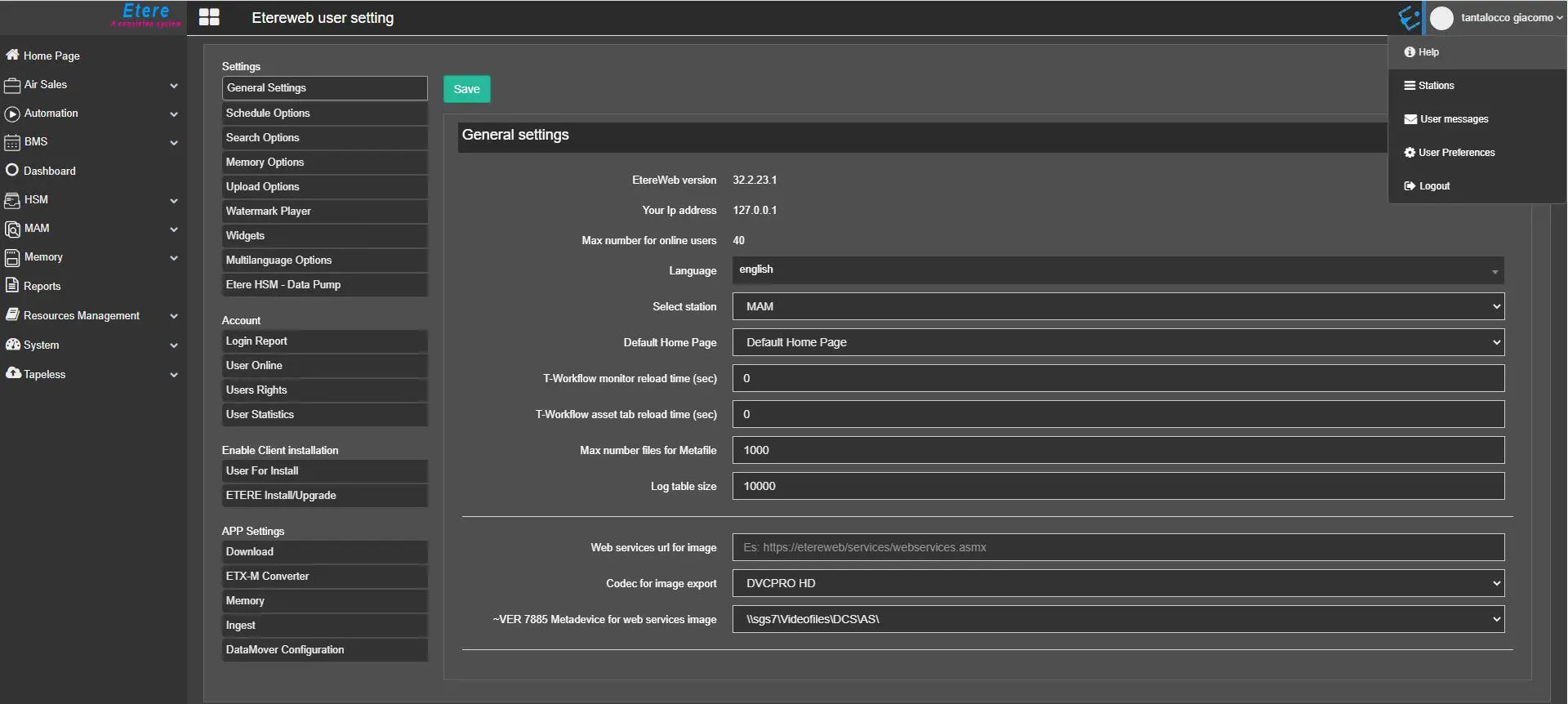
We can go in User > User Preferences > App Setting > Ingest in order to start the given configuration:
user_preferences
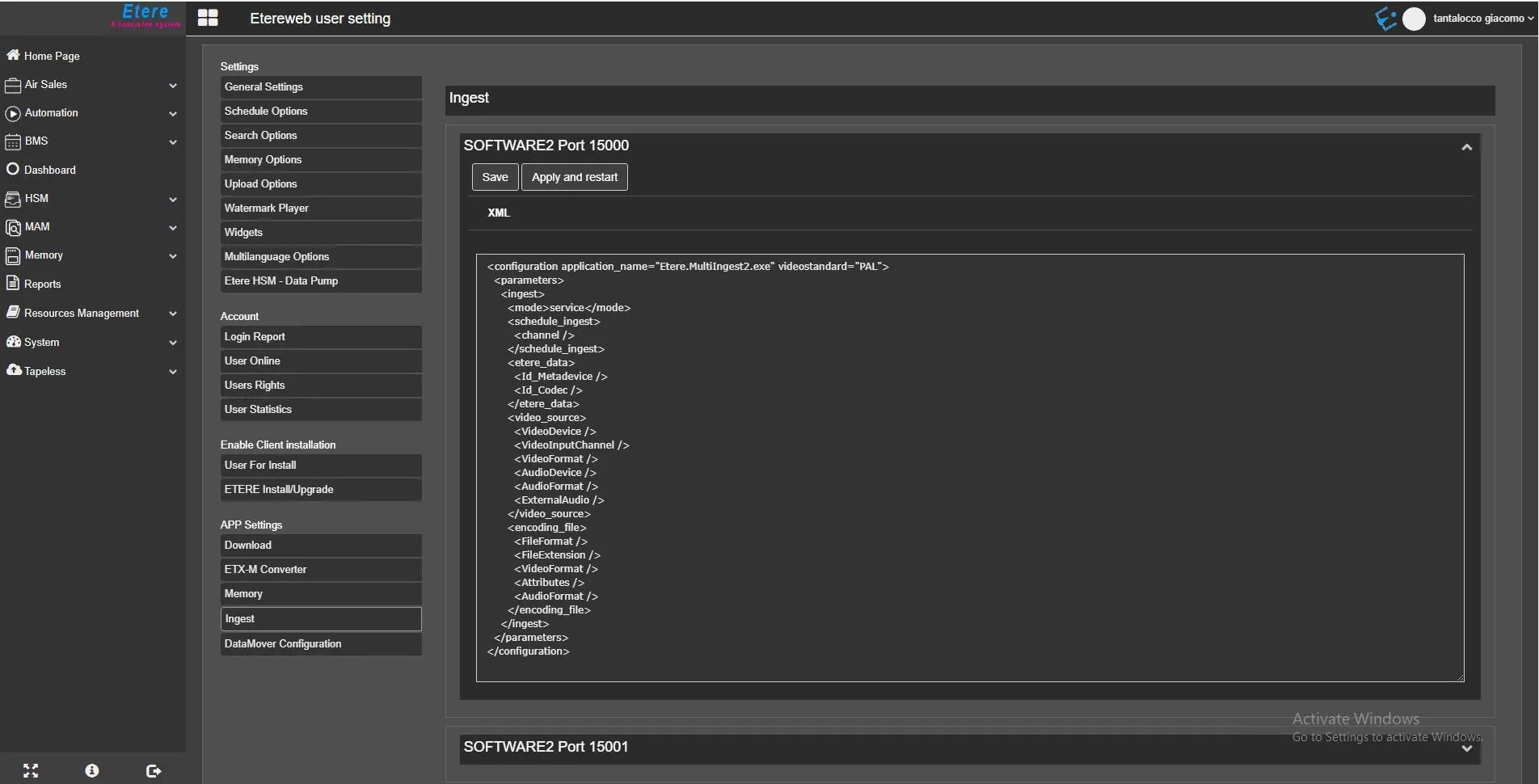
Depending on how many instances/channels we have configured during the installation process, we will have their representation in the Ingest Service Landing Page as the following images shows:
app_setting_ingest
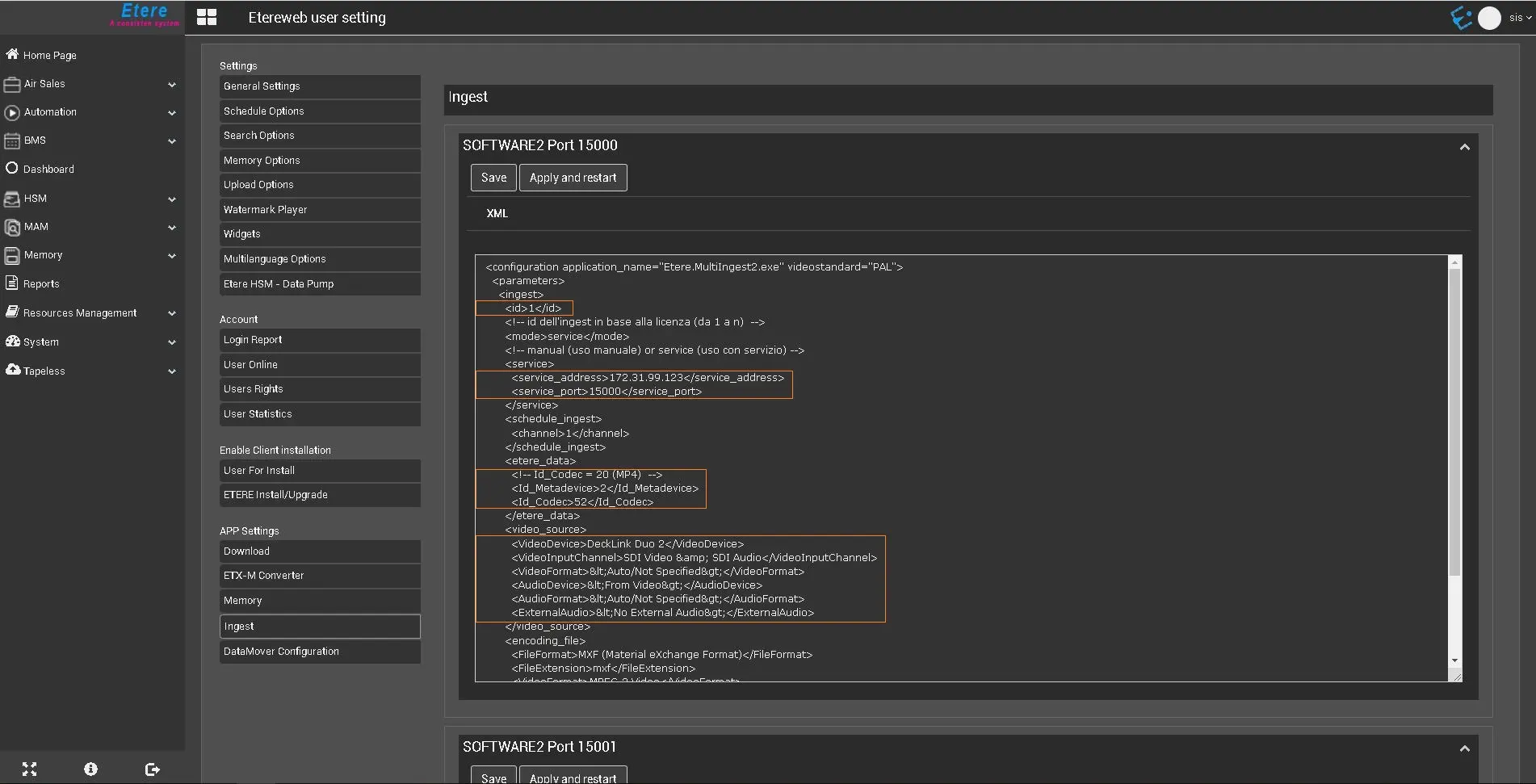
From here we can start editing the front-end of the given XML file, depending on how many of them we've configured during the installation process.
xml_front_end_editing
Once we've modified the given XML code, we can actually perform two different operations for each Ingest Channel that is available:
1. Save: the given function would eventually save the XML Configuration File into the given Etere Installation folder where the service is actually installed;
2. Apply and Restart: will apply the configuration made into the XML file and it would eventually restart the related service.
WARNING: Before executing the Apply and Restart function, it is mandatory to populate the given XML file as required by Etere Ingest as a Service and save the given configuration to a file; otherwise the Apply and Restart function would not work as intended. We can edit the XML mark-up just by relying on the Web Interface without editing any XML file on the local filesystem.
xml_front_end_editing
Once the modification of the XML mark-up is done done, we can press the Save button in order to save the given XML structure as XML file into the Etere installation folder.
save_data
After that, we can press the Apply and Restart button in order to restart the related Windows Service and apply all the modifications we have previously made.
apply_and_restart
 user_preferences
 app_setting_ingest
 ingest_no_configred_service
 xml_front_end_editing
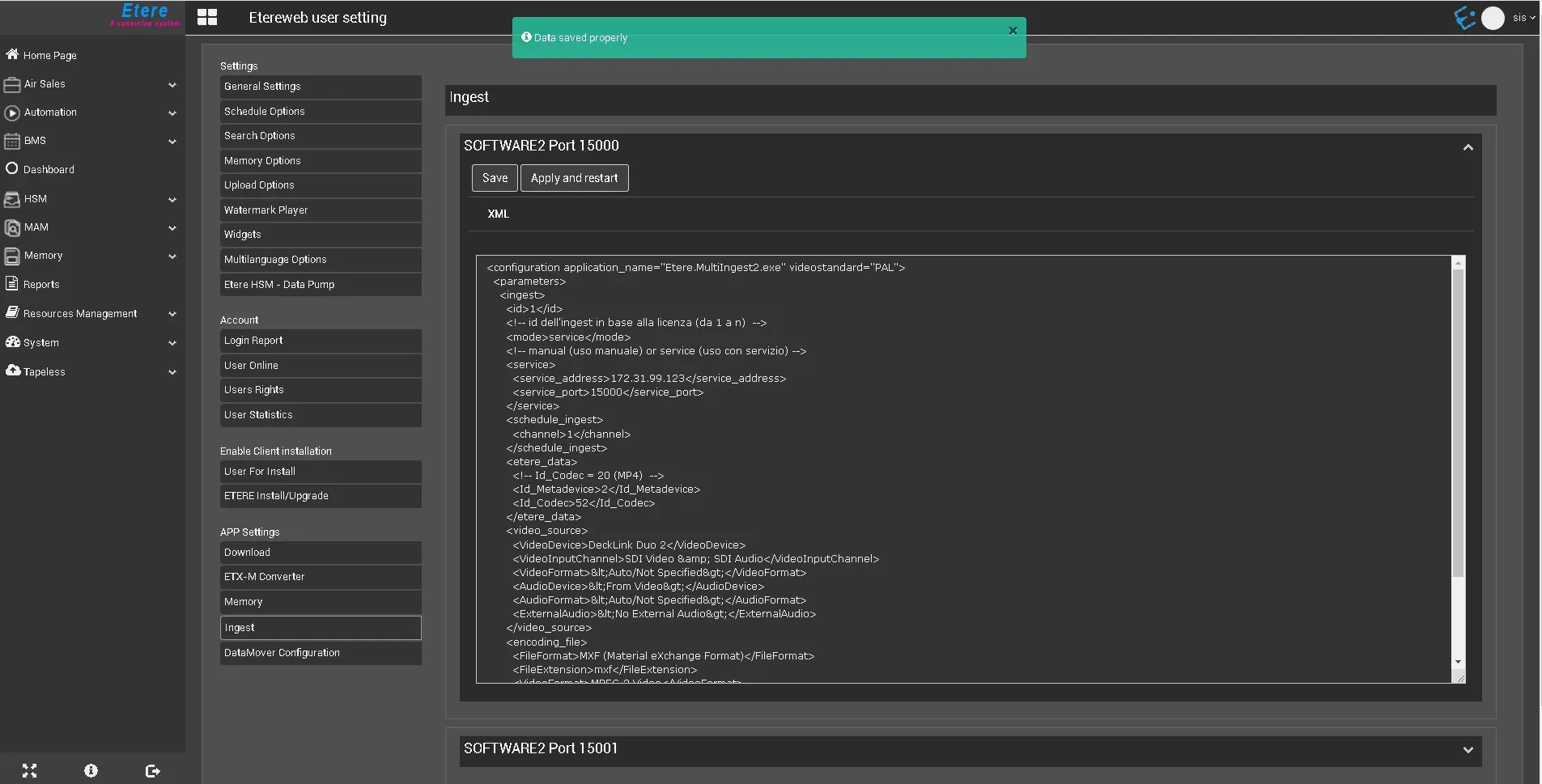 save_data
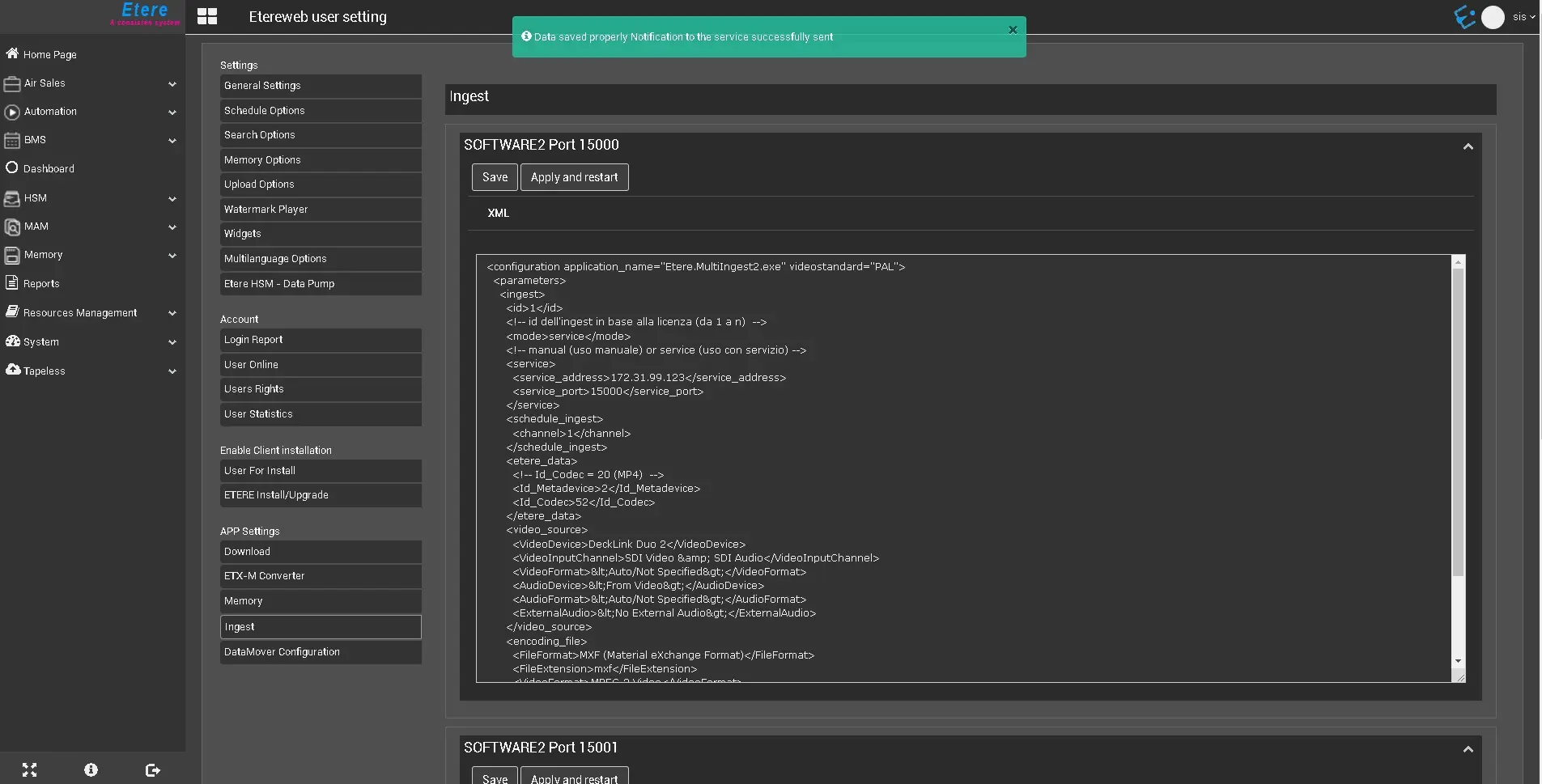 apply_and_restart