Search Assets
9.2.4.16 Operations
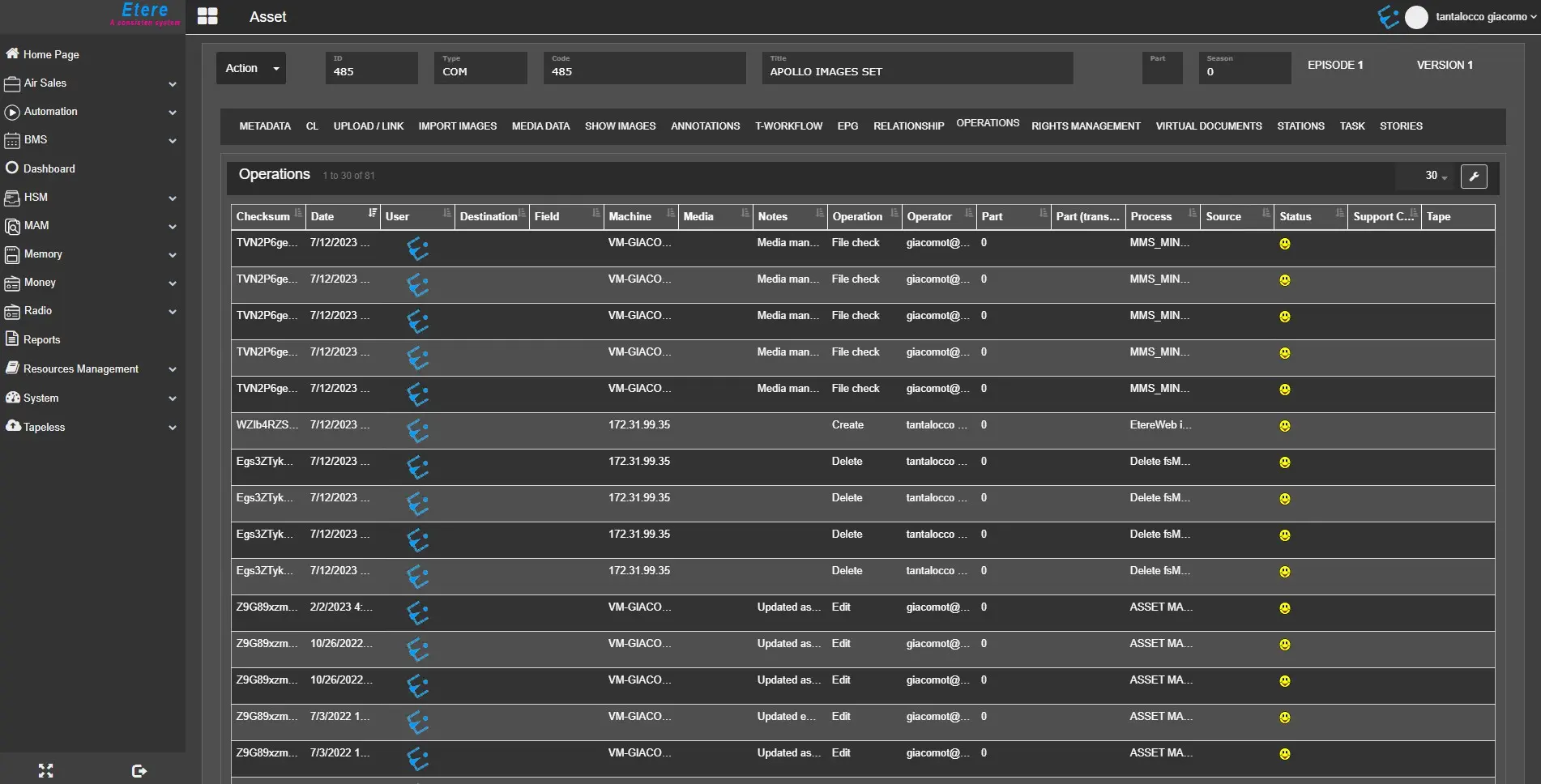
The Operations TAB contains a list of operations performed on a current asset. By default, the column names in this tab are similar to those in Media Library’s Operations tab in the desktop application.
Operations_tab
The operations list is only for viewing purposes; you cannot modify any item in the list.
You can click the sorting icon on the top right corner to sort, enable and disable the columns displayed.
 operation_tab