71.14 Statistics
Allows one to have a report of all the ingests carried out during the selected day, or in a specific period of time, once you have opened the Statistics module, a new window will appear, allowing you to calculate both detailed and overall statistics:
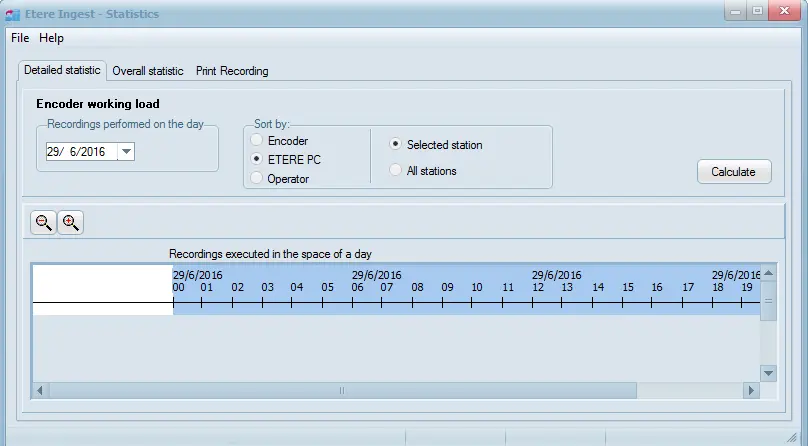
Detailed Statistics
Allows one to have a report of all the ingestions carried out during the selected day, this information is mainly sorted by:
•Encoder: Show the number of the encoder channel used in the Video Server.
•ETERE PC: Display the name of the Etere Client which carried out the operations.
•Operator: Allows you to view the login name of the operator who performed the ingest operations.
•Selected station: Create a log of ingestions performed only in the current station.
•All of them: Calculate the Ingest Statistics for all the stations.
The expressed time represents the duration of the ingestions, that is the time in which the encoder has been busy.
Detailed Statistics
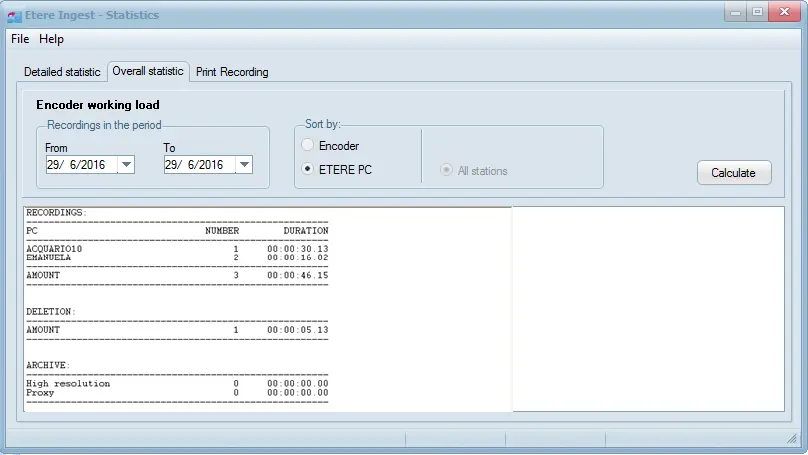
Overall Statistics
Allows one to have the statistical data relating to a certain period mainly filtered by:
•ETERE PC: Display the name of the Etere Client which carried out the operations.
•Encoder: Show the number of the encoder channel used in the Video Server.
The statistics are always calculated for all the stations.
Overall Statistics
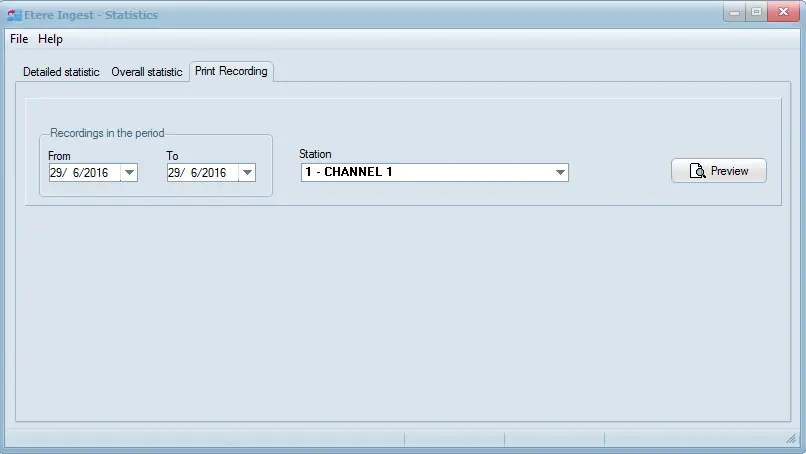
Print Recording
Allows printing of statistic records within a specific date range from Etere client PC:
Print Recording
 Overall_Statistics
 Detailed_Statistics
 Print_Recording