1.1.4.2 How to use www.etere.com
Etere website, www.etere.com, provides customers with a centralized portal to access support resources, documentation and other Etere services. This sub-chapter and the following ones describe the main features of the website and explain how to perform the most common operations.
To access the website, enter www.etere.com into your web browser.
Common login errors
The following are some of the most common error messages that may appear during login.
Error #1 – Support contract expired
The following message is shown when the customer's support contract has expired:
"Support contract expired, please contact sales@etere.com"
Error #2 – Login inactive for an extended period
The following message is shown when the customer's login has been inactive beyond the grace period.
"You did not log in for more than XXX days; please contact support@etere.com to update your login"
Error #3 – Password expired within the grace period
The following message is shown when the customer's password has expired but is within the grace period.
"Password is expired, please update it"
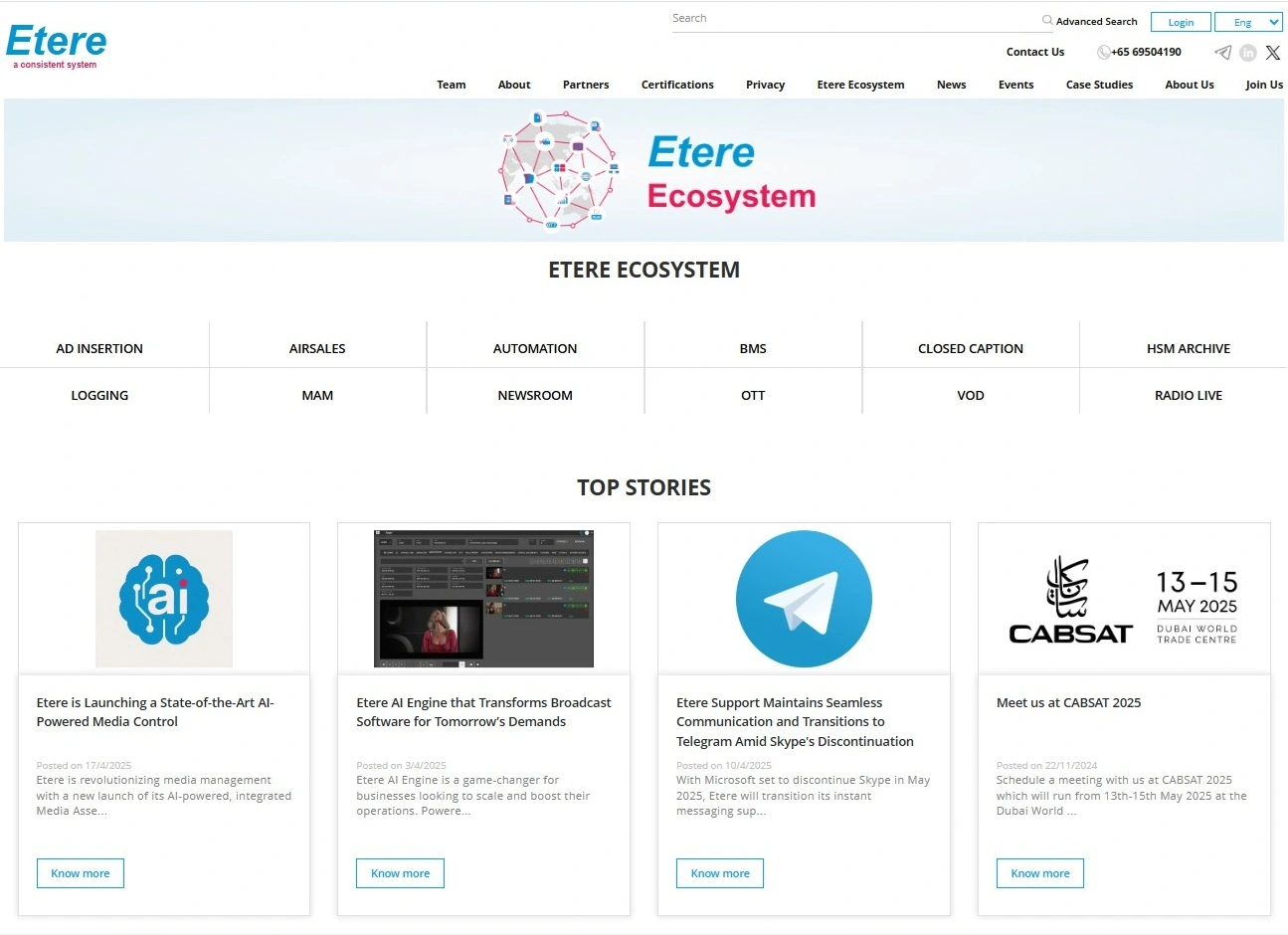 homepage_2025