78.1 Etere NDI Monitor
The NDI Monitor is a software developed by Etere for monitoring audio input for multiple NDI Streams.
Etere NDI Monitor 1
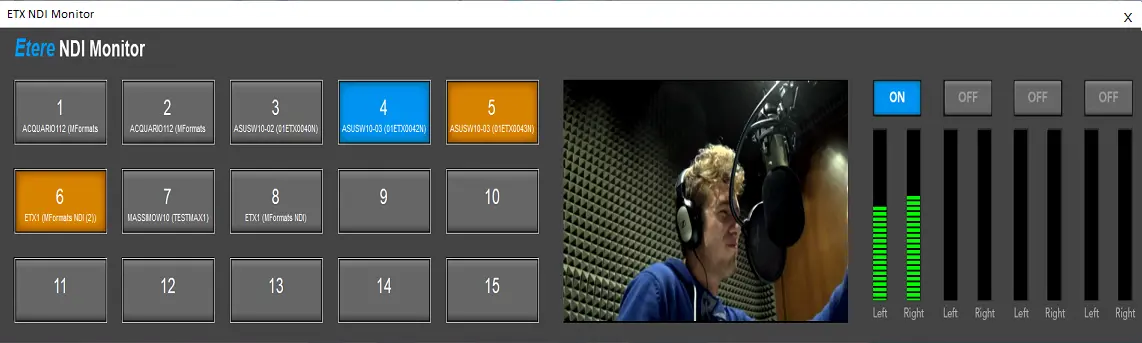
The NDI Monitor consists of the following features:
•The audio monitor only receives an input signal from NDI.
•It has multiple keys (up to 15) for audio input selection.
•3 control keys are available: On / Off / Hold.
• A maximum of two control keys can be put on hold.
•When switching keys, the last key remains on hold for 2 minutes (configurable).
Configuring the NDI Monitor
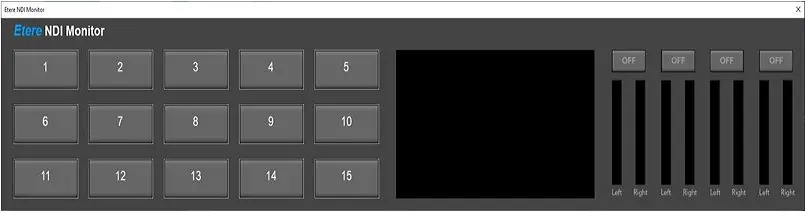
Upon initial installation, the NDI Monitor is launched without any input stream configured on all available buttons.
Etere NDI Monitor 2
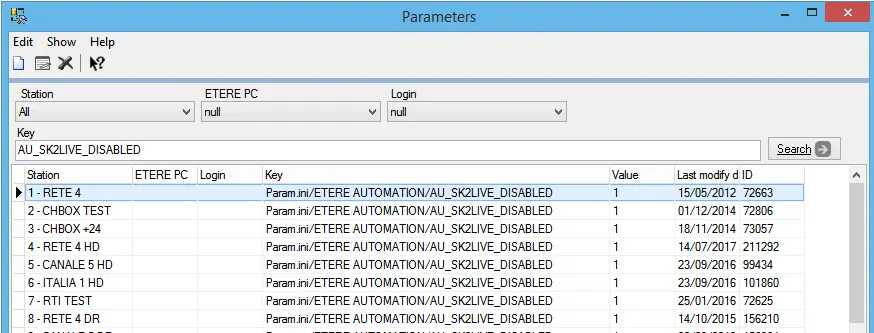
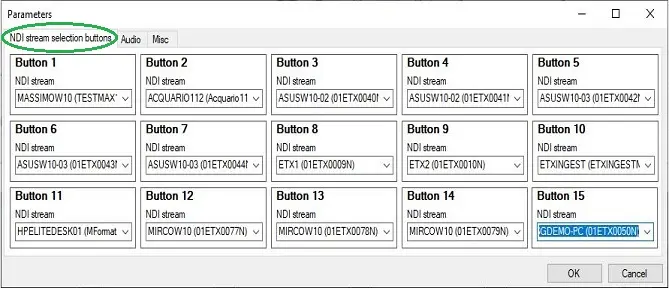
You can start configuring the NDI Monitor by right-clicking on the monitor and selecting “Parameters” to launch the parameters settings.
Parameters
From the “NDI stream selection buttons” tab, you can assign any available NDI Stream to be monitored on each button.
NDI stream selection buttons
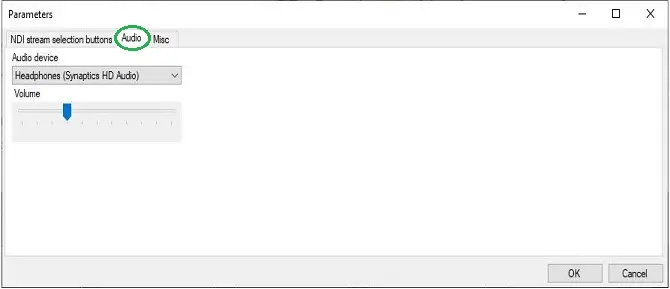
Next, select the audio output device from the “Audio” tab and set the audio volume to be monitored.
Audio
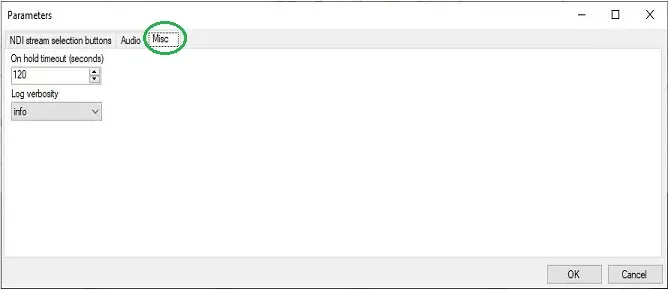
In the “Misc” tab, set a value in the “On hold timeout (seconds)” parameter to return the button in the “Hold” state (in yellow) to the “Off” state (in grey), where the button status would remain for 2 minutes (it is configurable). You can also change the logging verbosity or leave it as default.
Misc
Upon configuration, click <OK> to save the parameters settings.
Using the control keys
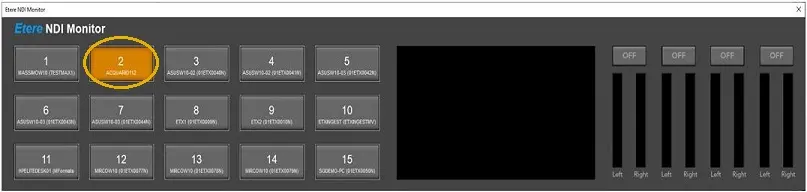
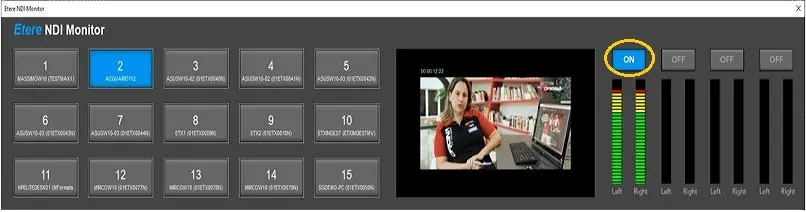
To preload an NDI stream, you can click on any button (e.g. # 2) in the “Off” state (in grey) to change the button to the “Hold” state (in yellow).
Etere NDI Monitor 3
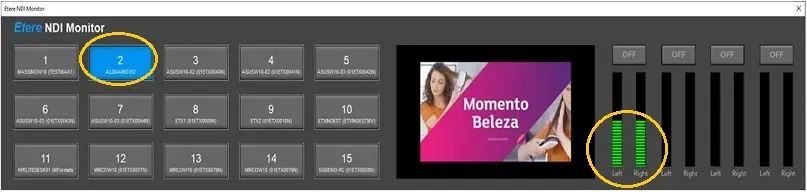
Next, click on the button in the “Hold” state to put the button to the “On” state (in blue) and start monitoring the NDI source and audio device configured in the button.
Etere NDI Monitor 4
While the button is in the “On” state, click on the button over each audio pair (in the right panel) to tune in to the audio and listen to the selected audio pair.
Etere NDI Monitor 5
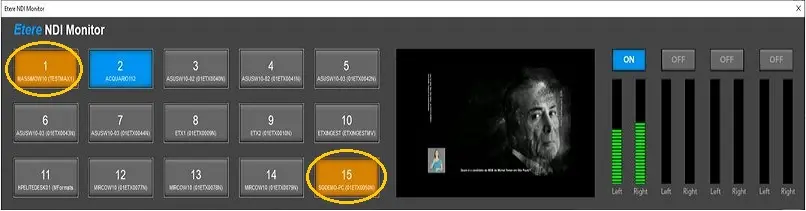
When one channel is in the “On” state, you can put a maximum of the other 2 NDI stream channels on the “Hold” state to be monitored later.
Etere NDI Monitor 6
 Audio
Audio
 Etere_NDI_Monitor_2
 Etere_NDI_Monitor_3
 Parameters_1
 Etere_NDI_Monitor_5
 Etere_NDI_Monitor_1
 Etere_NDI_Monitor_6
 Misc
Misc
 NDI_stream_selection_buttons
 Etere_NDI_Monitor_4