208.3.4 Log
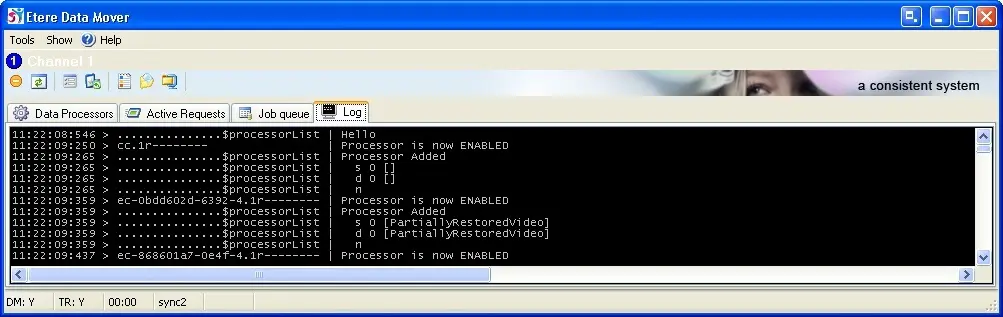
The Log tab is a console where ALL commands performed by Etere Data Mover are displayed; user can use the logs to track errors or simply to obtain detailed information about an operation.
Etere Data Mover log tab
The Log tab is disabled by default, it can be enabled under the Tools > Options > Troubleshooting menu by tick off the 'show text messages console' option.
The maximum duration of the logs is set in the "Tools > Options > Troubleshooting" section, through the parameter: "keep copy of logs for the following days" (default=30days).
The Data Mover execution log (e.g. *.dmExec.log) contain a maximum file size of 10 MB, a new log file would be create when the maximum file size is reached. The old log file would be renamed with suffix “(Oldxx)” appended to the filename where 'xx' indicate the file running number, e.g. (Old01), (Old02), etc.
Note
For detailed information on how Data Mover logs are created and structured please refer to the Data Mover Logs section of the "Logs" chapter.
 Etere_Data_Mover_log_tab