66.4.10 RSS Ticker
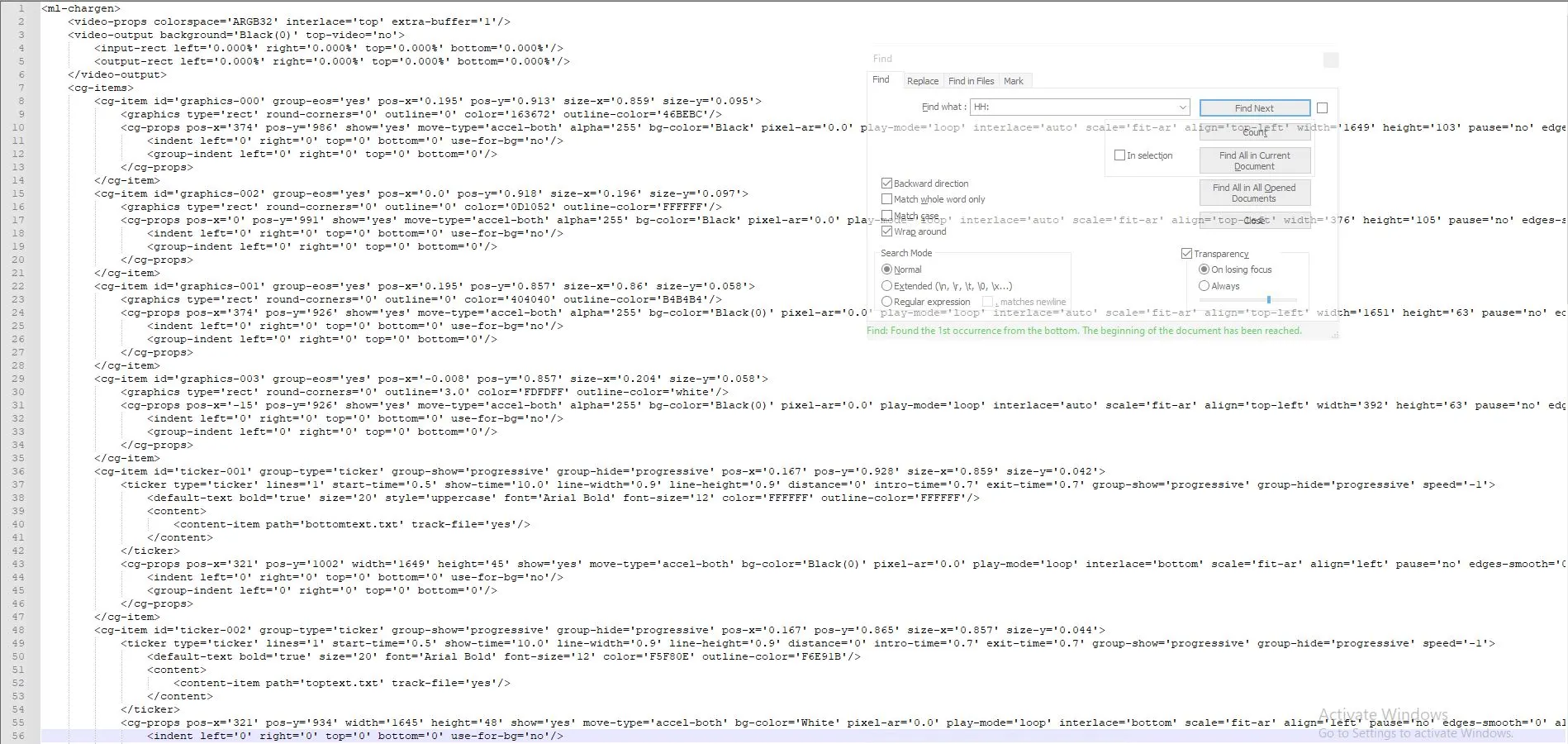
You can create a crawling ticker via the RSS link with the sample ticker file with file extension “.ml-cgc”.
ticker_content
You can modify the “.ml-cgc” file, e.g., change the text colour or bold font, and save the ticker file with the same format and extension in the local drive.
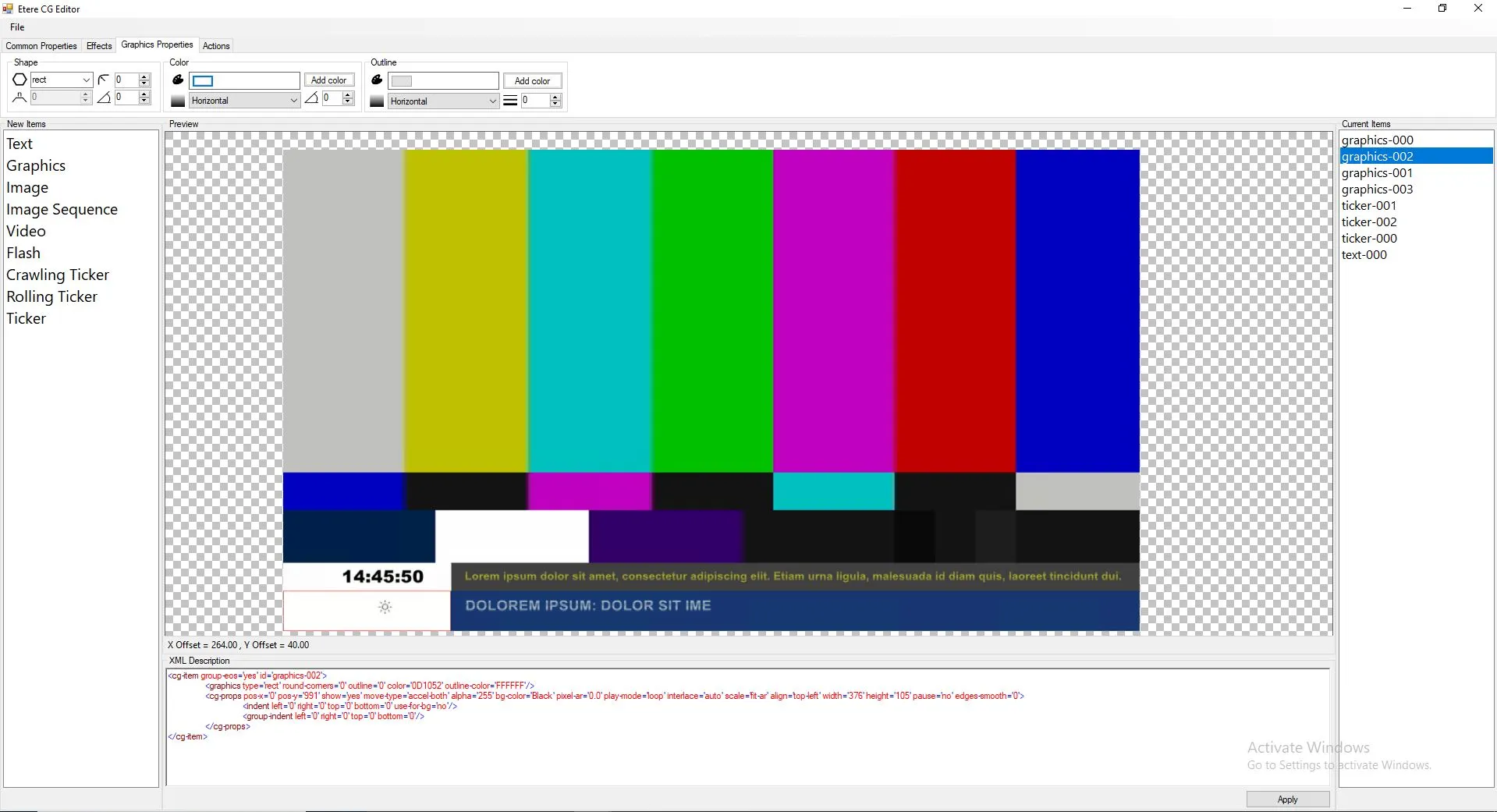
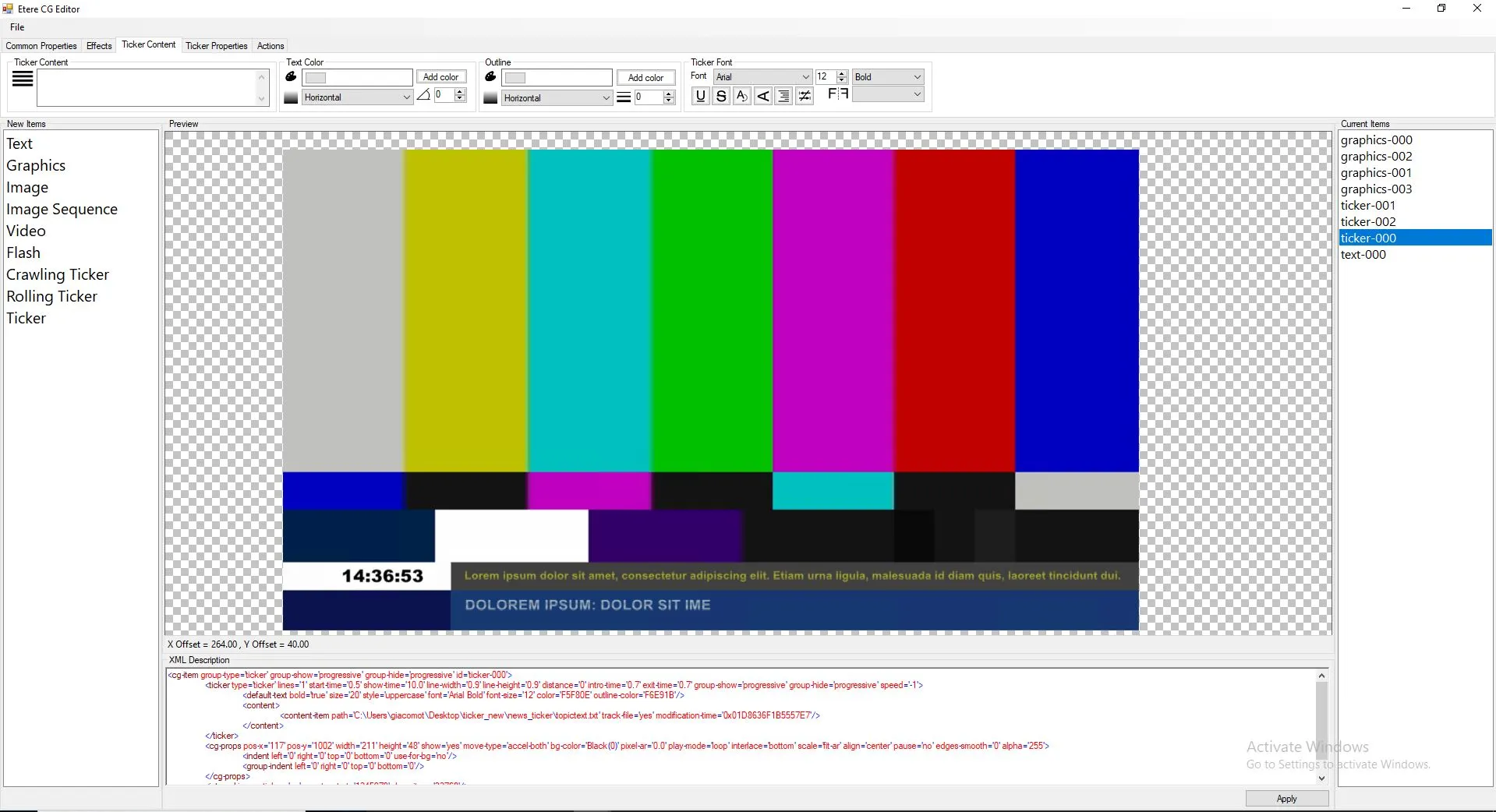
Next, launch ETX CG Editor and preview the RSS Ticker file in ETX Player.
cg_ticker_no_image
If the RSS ticker file contains an image, you can determine the appearance of the image with settings in the Windows Registry.
In [Computer \ HKEY_CURRENT_USER \ SOFTWARE \ Medialooks \ MLCharGen], create a DWORD key value “rss. ignore image” and set the appropriate value.
If the value is set to “1”, the image will be hidden in the RSS ticker, as shown above.
If the value is set to “0”, the image will appear during the preview, as shown in the screenshot below.
cg_ticker_image
 ticker_content
 cg_ticker_image
 cg_ticker_no_image