70.1.4 Optical Disk Archive (ODA) Disk Drives
Sony's Optical Disk Archive drives can be installed following the procedure below:
1. Connect the optical disk drive (e.g. ODS-D55U) to the computer through its USB 3.0 interface. The device will be mounted as removable storage device detected in Device Manager:
Device Manager
2. In order to access the cartridge filesystem within the Optical Disk Drive, it's required to download from Sony web site (https://www.sonycreativesoftware.com/download/odasoftware) the ODA package which includes:
•Optical Disc Archive Software
•Optical Disc Archive Utility (useful to format cartridges)
3. The ODA cartridge drive will be mounted as a regular local volume:
Drive Tools
Video Tools
4. If required, the Optical Disc Archive Utility can be used to format the cartridge before it can be used.
Optical Disc Archive Utility
5. At this point the drive can be configured in the HSM Data Pump to be used for:
❑Defrag
❑Recatalogue
❑Archive
❑Restore
Archive and Restore operations related to ODA disks are performed via filesystem.
NB: When running DataPump on ODA drive, the Optical Disc information, such as serial number, firmware version, drive model name, etc, can be obtained from ODA drive SDK command “ODADriveSDK_GetDeviceInformation” to retrieve the information.
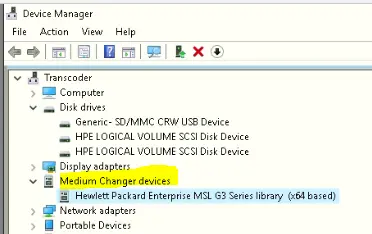 Device_Manager
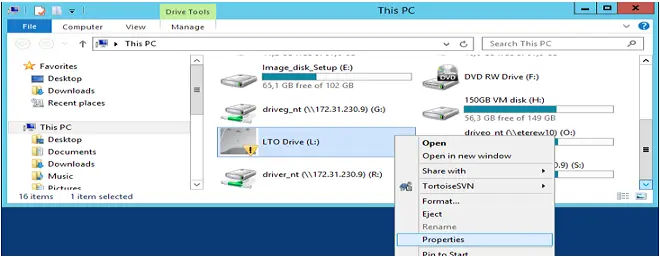 Drive_Tools
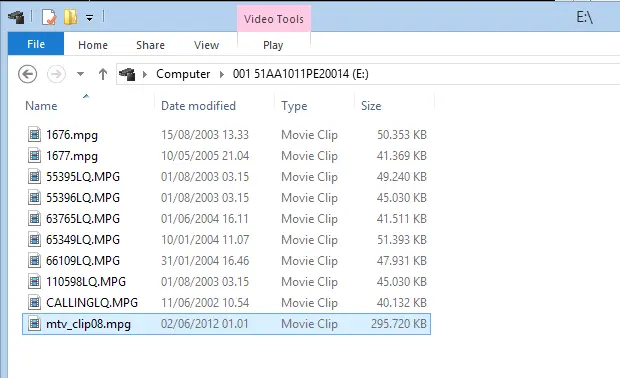 Video_Tools
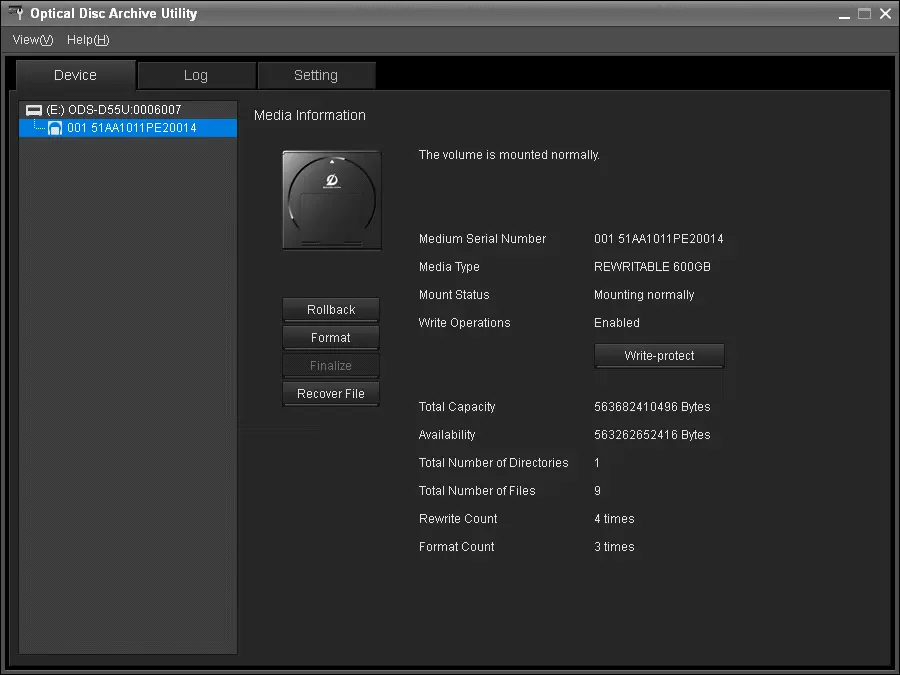 Optical_Disc_Archive_Utility