59.2.23.3 Toolbar functions
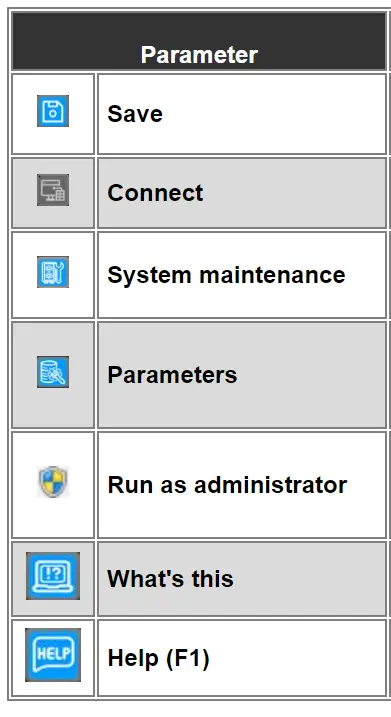
Save: Activate all inserted parameters. It will be required to restart Etere for changes to take effect.
Connect: Use this button to test SQL connection; a return message will indicate its status (e.g. 'connection executed correctly').
System maintenance: Opens the system maintenance module, which allows aligning the database structure, the reports repository, the multi-language terms, the generated statistics, and much more.
Parameters: Define database settings on some options that are not accessible from the normal configuration forms. Further information regarding this administrator's feature can be found in the related chapter: Parameters.
What's this: This icon allows you to use contextual help. Click on this icon and move the pointer to the parameter to display a brief description.
Help (F1): This icon directs the user to the Etere online help page, where the related topic will be displayed.
 Parameter_Icon