70.2.5.4 Install and Configure Data Pump as a service
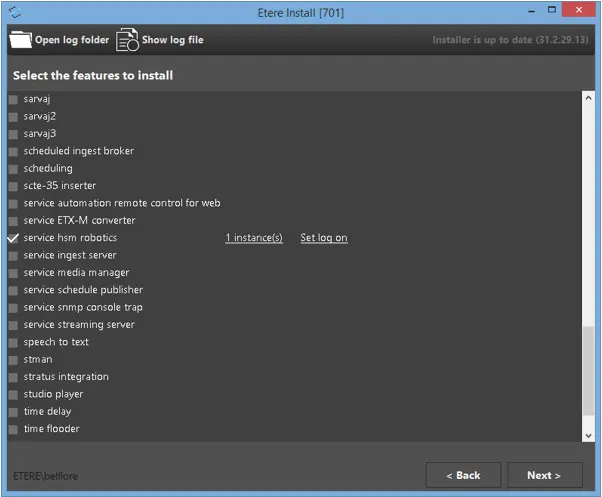
To install Data Pump service, simply launch Etere installer “EtereInstall.exe” to start the installation process.
Etere Install
Among all Etere features, include feature “service hsm datapump controller” in selection and click on “Set log on” to define the user account to perform the install.
•Select “This account” and specify an user account to perform the installation.
•If no user account is selected, the installation would be performed by default Local System account.
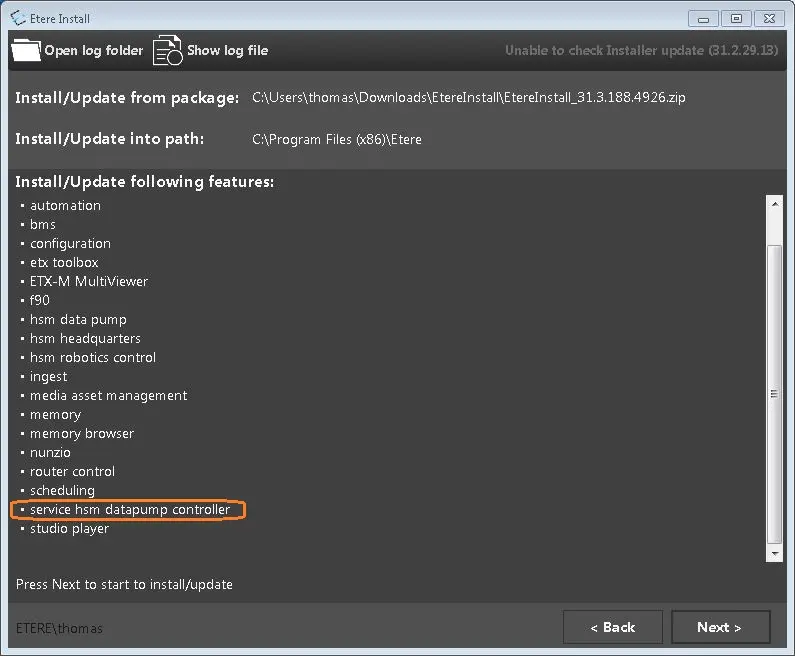
Back to Etere Installer, ensure that “service hsm datapump controller” is among the selected feature to be installed.
Service hsm datapump controller
click <Next> button to continue and follow the instructions on screen to complete the installation.
Upon installed, the “service hsm datapump controller” would be running as service to manage the tape drive.
Service
 Service
 Etere_Install
 Service_hsm_datapump_controller