58.1.2 Installing Shuttle Pro Contour
While performing editing on video and audio files, installing Shuttle Pro Contour instead of relying on mouse and keyboard is an ideal way to beef up productivity.
After connecting Shuttle Pro Contour to the station, download the device drivers from the manufacturer's website to ensure the device's proper functioning.
Next, import the device settings from Etere.censormx.pref preference file to make the device compatible with Etere applications. The Etere.censormx.pref file must be placed in the Etere CensorMX folder to ensure a successful import.
Upon completion, the button positioned beside the Timeline area turned green, indicating that the Shuttle Pro Contour device was enabled and ready for use.
Censormx_shuttle_button
An overview of the Shuttle Pro Contour device is displayed below. The function keys are self-explanatory.
Censormx_shuttle_pro_contour
CensorMX also supports Dual Monitor design.
Censormx_dual_monitor_design
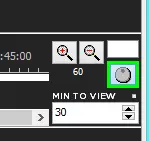 Censormx_shuttle_button
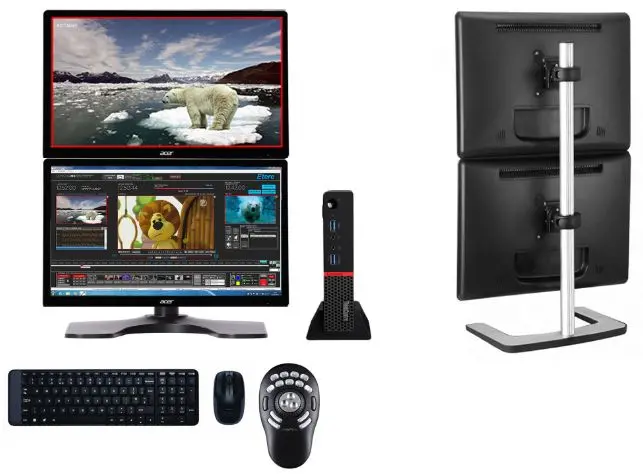 Censormx_dual_monitor_design
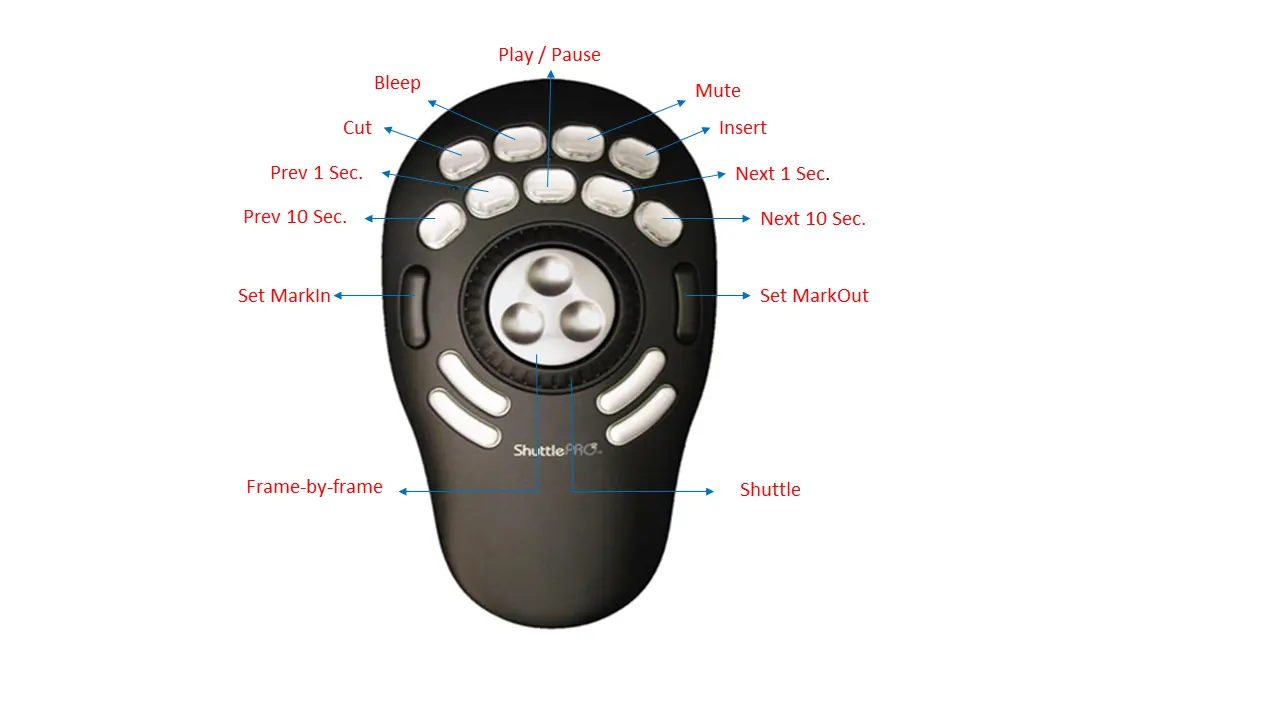 Censormx_shuttle_pro_contour