84.4.4.76 CUSTOM > MEDIASET ARCHIVE XML
Export scope
The Export Custom Mediaset Archive XML process search database for in past assets, if there is an xml file with the same name as the asset code, as well as with the same codec configured, the assets would be exported from the path previously indicated.
The exported file name format is “MamIngest Export …..” with file extension “.xml”.
Export parameters
Set the following parameters:
Export_custom_mediaset_archive_xml
Parameter
•Export path: Indicate the path where the exported file will be placed.
•Codec of the .xml file linked to the asset: In the parameter, select “.XMLV” as codec to the asset form to be exported.
•Select assets to be exported: Open the asset search engine to allow selecting the asset(s) for which their linked files data will be exported.
Launch the export
Once all parameters have been correctly set, press the <Export> button to launch the export operation.
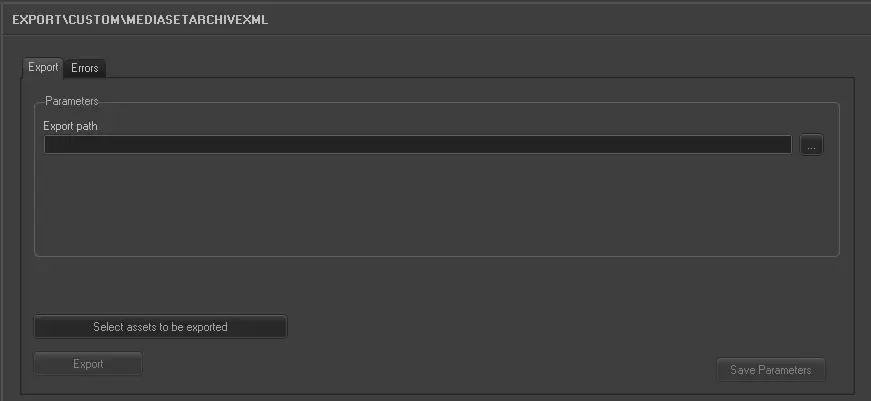 5186_Export_custom_mediaset_archive_xml