Using the HSM Robotics Control
70.3.7.1 Robotics GUI
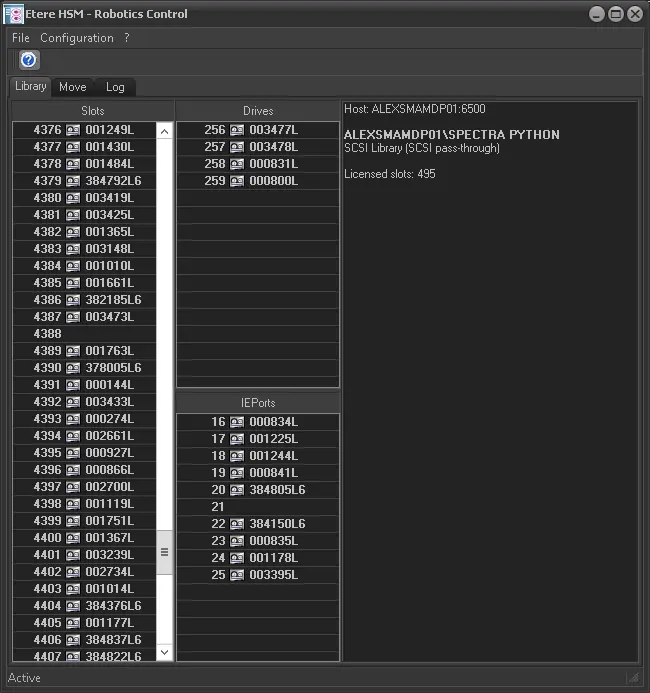
Etere HSM - Robotics is composed by three tabs to simplify the management of tape libraries, these sections are:
Etere HSM - Robotics Control
Tab - Library
Description : The main window, and here are shown the slots present on the library and the enabled drives on it.
Tab - Move
Description : This section is available only for testing purposes, for more information refer to the "Move" chapter.
Tab - Log
Description : This section contains the device status and movement of tape media.
NB: In order for Robotics to recognize all available tape libraries, the Robotics must be started with “Run as administrator” to establish the communication to all components.
 Etere_HSM_-_Robotics_Control