VOD
6.3.5 Search Contract
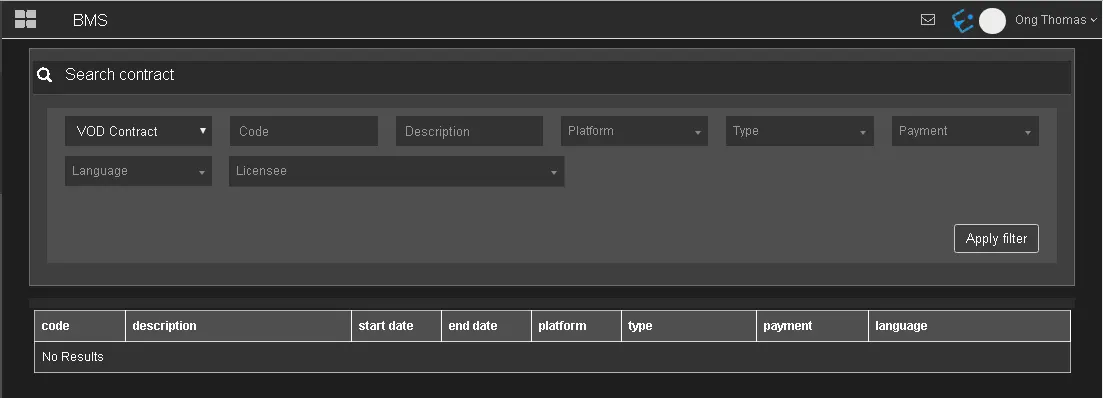
The Search Contract section filter contracts matches the specify criteria.
Search_Contract
•VOD Contract: Select VOD Contract.
•Code: Enter the asset code.
•Description: Enter a short description to extract the contracts.
•Platform: Select an available platform, e.g. Netflix.
•Type: Select a contract type, e.g. COM, FILM, ETXG, etc.
•Payment: Select the contract payment type, e.g. pre-paid or pay-per-use.
•Language: Select the contract language.
•Licensee: Select one of the license holder from the list.
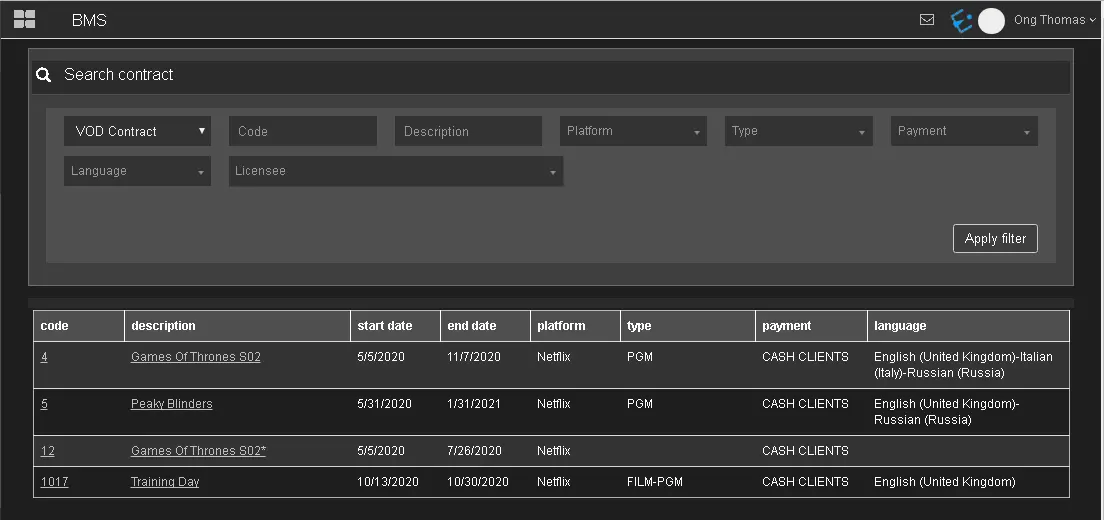
Once the filters are confirmed, click <Apply filter> to start filtering contracts that matches the above criteria.
filtering_contracts
 Search_Contract
 filtering_contracts