69.2.1.6 IBMS XML
Import Scope
The F90 - IBMS XML Import allows you to import any schedule generated by Pilat Media's IBMS scheduling module.
Import Parameters
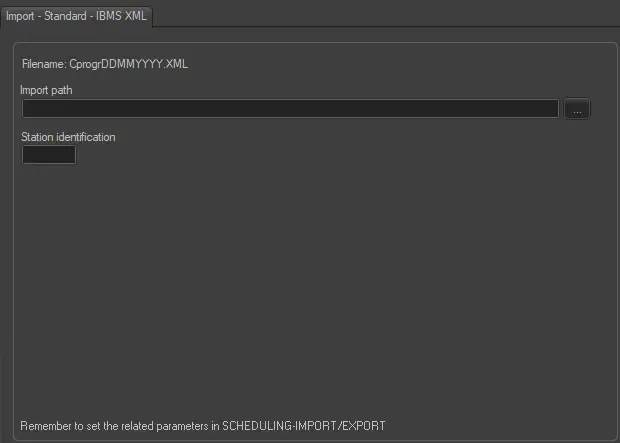
This import module requires the following parameters to be set in order to function correctly:
Filename - By default the filename of the imported file would comply with the format CprogrDDMMYYYY.XML.
File's IMPORT Path (leave it blank to not export it) - To be filled only if you intend to import a file located on a PC in your network.
Station Identification - Insert a custom string composed by five characters, that represents the 'progr' part of the filename, which indicates the station where the schedule will be imported.
Scheduling related import
Remember to set the same parameters in the Etere Scheduling > Import/Export > IMPORT\STANDARD\IBMS\ETEREXML and APPLY the changes once done.
 IBMS_XLS