59.2.49.7 Web Contract Lines
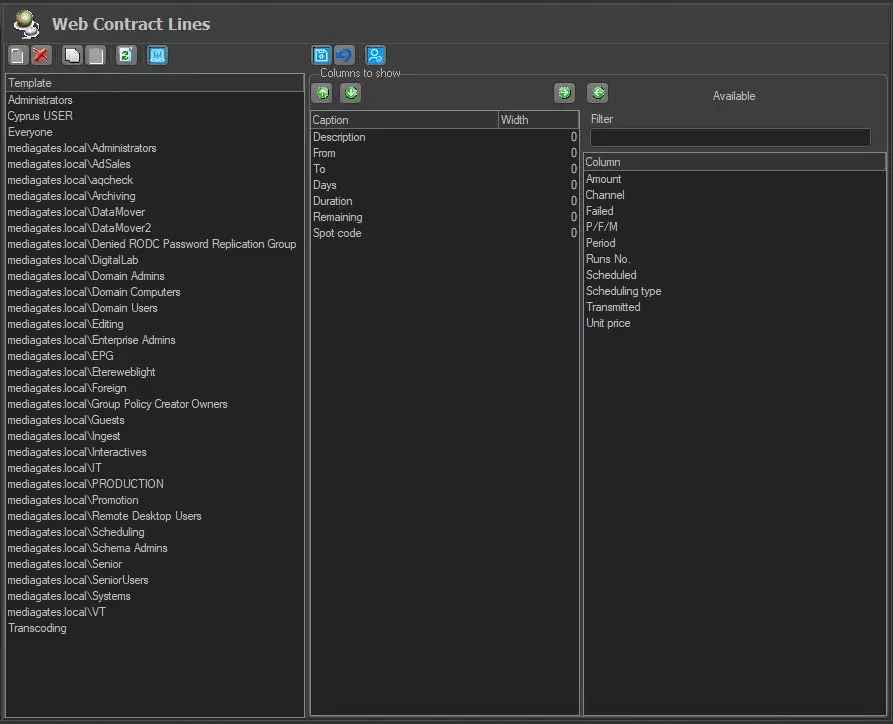
The Web Contract Lines allow to customize the information to be displayed in the lines of the AirSales contract in EtereWeb, including the Budget preview.
Web_Contract_Lines
How to configure
From the right panel, select the desired columns to be displayed (by the users in the selected group) in the EtereWeb's Air Sales Contract Lines by adding them to the central panel using the left-arrow button, or remove them using the right-arrow button.
When more columns are added, you can position or arrange them using the down / up-arrow buttons and set the width for each column.
After confirming the settings, save them and exit from the configuration module.
Login to EtereWeb
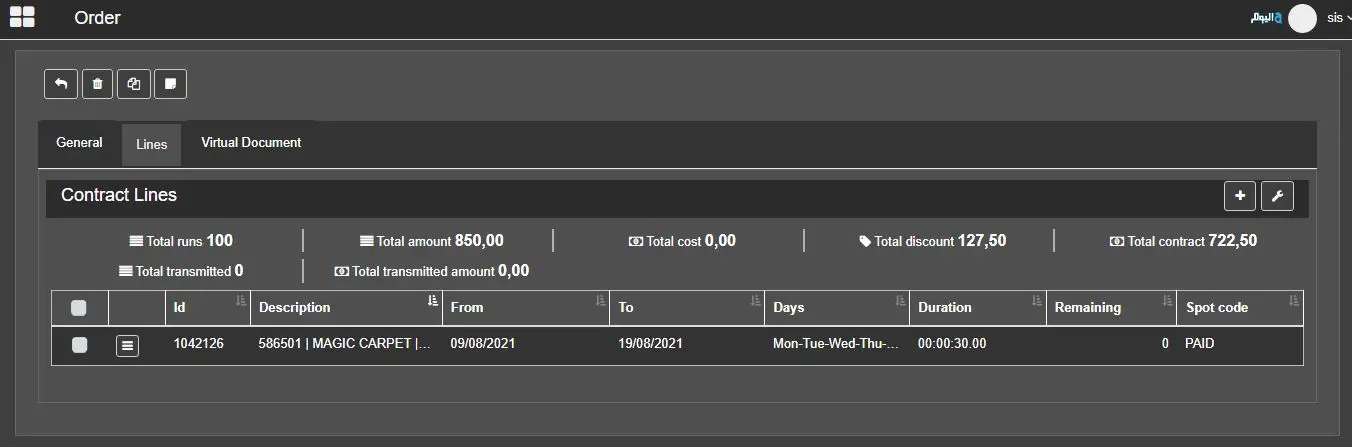
Once logged in to EtereWeb, execute a contract search in Air Sales module and browse to the Lines tab of a contract. The selected columns are displayed as defined in the template.
Login_to_EtereWeb
 Web_Contract_Lines
 Login_to_EtereWeb