Tree View Menu
79.4.7.2 Roles
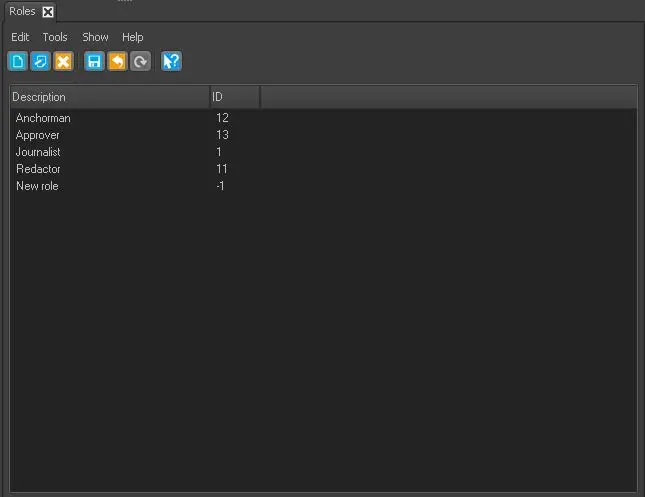
The Roles node displays all user roles defined.
Roles
You can modify the defined roles with the functions in Toolbar menu:
- New - (Ctrl + N): Create a user role and add to the list.
- Edit - (Ctrl + E): Modify an existing role.
- Delete - (Ctrl + D): Remove the selected user role from the list.
- Save - (Ctrl + S): Save the changes made in selected user role.
- Cancel - (Ctrl + Z): Revert the changes made previously to the selected r.ole.
- Refresh - (F5): Reload the page to display current status.
 Roles
Roles