9.2 Media Library
In Etere MAM module, the Media Library manages all assets required for broadcasting processes, it is a centralized solution for asset management where user can search for assets, create new assets, associate relevant metadata, media files, access rights and all elements to an event.
The main features in Etere Media Library module enabled user to perform a full text search across all assets in the database, create a new asset or a new seasons. A default Search template is present when Media Library is launched.
default_Search_template
All SQL Servers are shipped with “Full-text search” capabilities that supports full-text queries against character-based data in SQL database, this feature must be installed during the SQL installation to facilitate the full-text search function.
The Full-text search is a google-like search that look for multiple words across all the tables (e.g. assets, seasons, segments, genres, etc) used by Etere for storing assets information. You might need to perform a "Full text search" System Maintenance task to activate the function.
If you simply click the <Search> button without entering any search keyword in the text box, the Search function would not be executed.
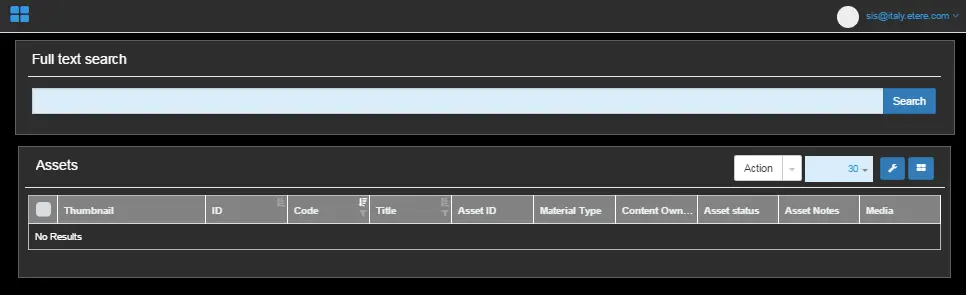 default_Search_template