Search Assets
9.2.4.21 Story
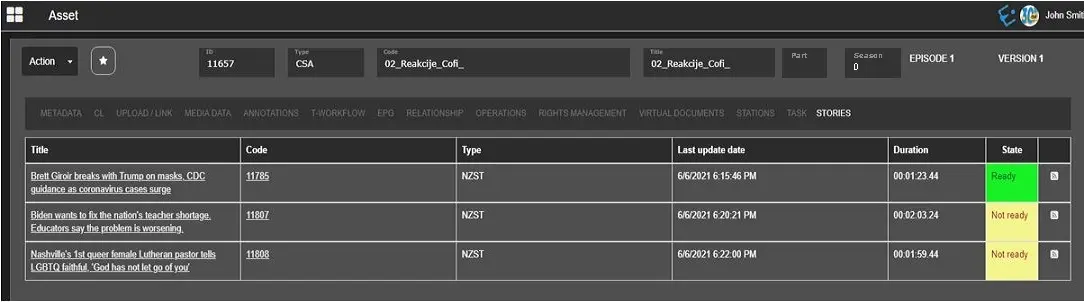
The Story tab displays all the stories to which the asset is linked.
Story_tab
In the image shown above, it contains the most relevant information about the stories:
- The title of the story;
- The code of the story;
- The asset type of the story (by default, the asset form of the story has type "NZST");
- The date and time when the story was last updated;
- The Story's duration;
- The state of the story (Ready or Not ready).
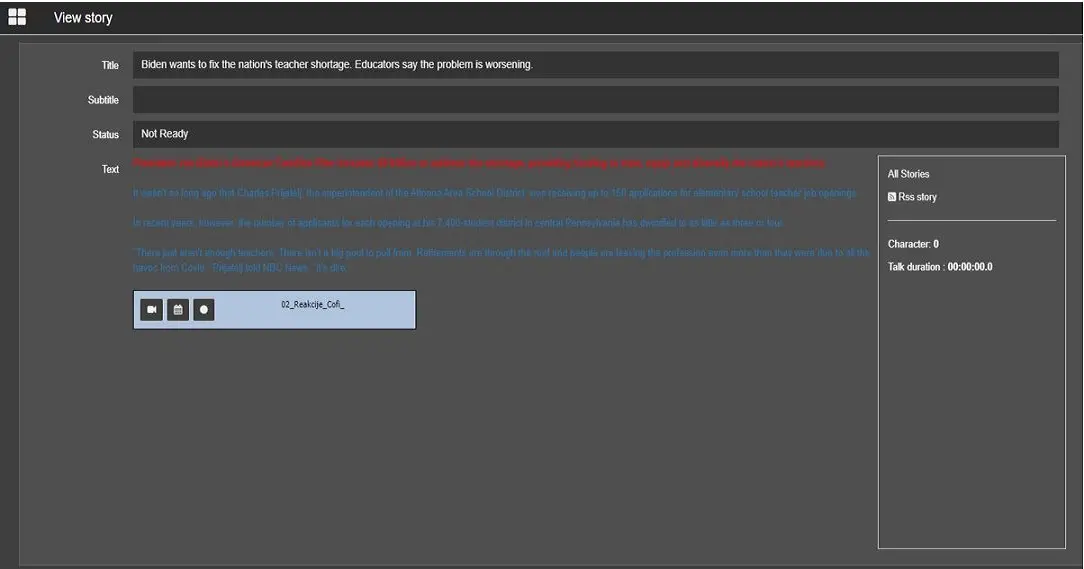
When you click on the story, another browser tab opens, showing the story's contents and other details information.
Ready_or_Not_ready
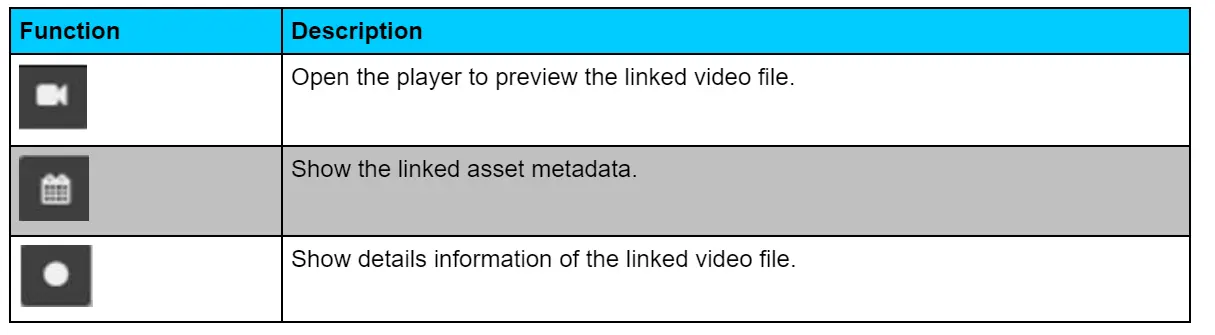
Within the story, the following functions are available for the linked video:
functions_for_the_linked_video
 Story_tab
 Ready_or_Not_ready
 functions_for_the_linked_video