72.2.3.12 Add Asset to Season
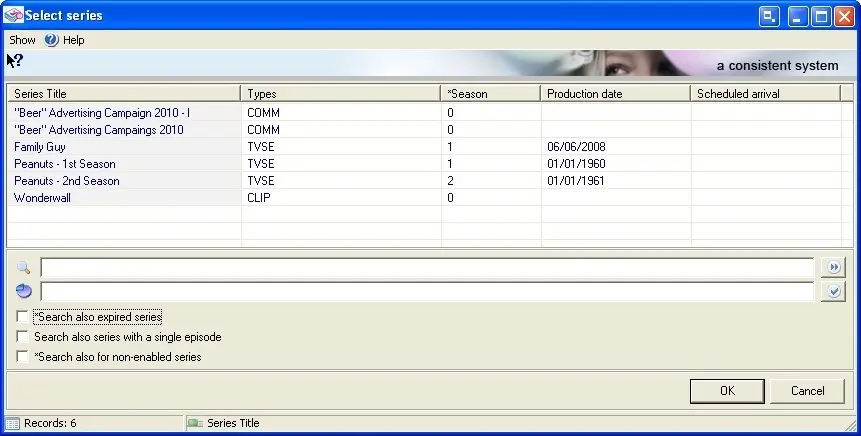
The "Add asset to season" tool allows the operator to associate the currently open asset to a season as an episode. A window displaying all the season with at least one episode will be shown:
Select series
Choose which season the asset will be associated to, it is possible to search also expired season (i.e.: which expiry date is in past), search also season with a single episode (i.e. without episodes or with only one episode) or search also non-enabled season (i.e.: not enabled for the current station).
Press the OK button to insert the asset as the last episode of the selected season.
A popup dialog will ask you to decide to whether update episode data from season or not, in affirmative case the following data will be updated in the episode asset by retrieving it from the related season:
Code (the episode number will be added as a suffix)
Title (the episode number will be added as a suffix)
Physical duration
Duration
EOM
Scheduled duration
Type
Notes A
Notes B
Notes C
EPG language1
EPG language2
Story
Scheduled arrival
Expiry date
Production date
Aspect ratio
Supplier
Runs number
Sponsored event type
Classification
Sponsor duration
Note:
Automatically creating new assets to add them as episodes to a season is possible from the Season Manager, through the "add episodes" function.
 Select_series