79.2.1.3 Configure Newsroom MOS Gateway
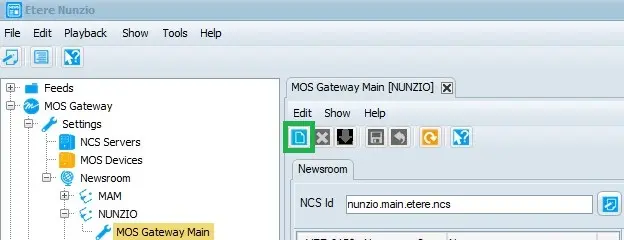
The MOS Gateway > Settings > Newsroom > Station > Mos Gateway Main tree node allows us to assign any MOS Device present in the system, to the pre-configured NCS Server for the given station. Each station can have a single NCS Server while can have Multiple Newsroom Studios.
In Etere Nunzio is possible to manage multiple Studios within the same station, and assign to each studio a list of MOS Devices.
In order to start the configuration we need:
1. have a list of MOS Devices already configured in:
MOS Gateway > Settings > MOS Devices
2. start by assign a NCS ID to the Main NCS Server by pressing the NCS ID button
NCS_ID
3. assign all the wanted MOS Devices to the Main NCS Server by pressing the "Add MOS Server" button and select them among the retrieved list
add_mos_server_button
assign_mos_device
4. then we can assign the wanted ones to any specific studio just by select the wanted Studio Template from the list, assign a name to it and link the wanted MOS Device to that specific studio only
mos_Studio1
mos_Studio2
5. save the given configuration by pressing the Save button.
MOS configuration has been done. In order to air any specific studio, we must select it in the Nunzio Playout before MOS activating the Nunzio Rundown.
playout_set_studio_2
 NCS_ID
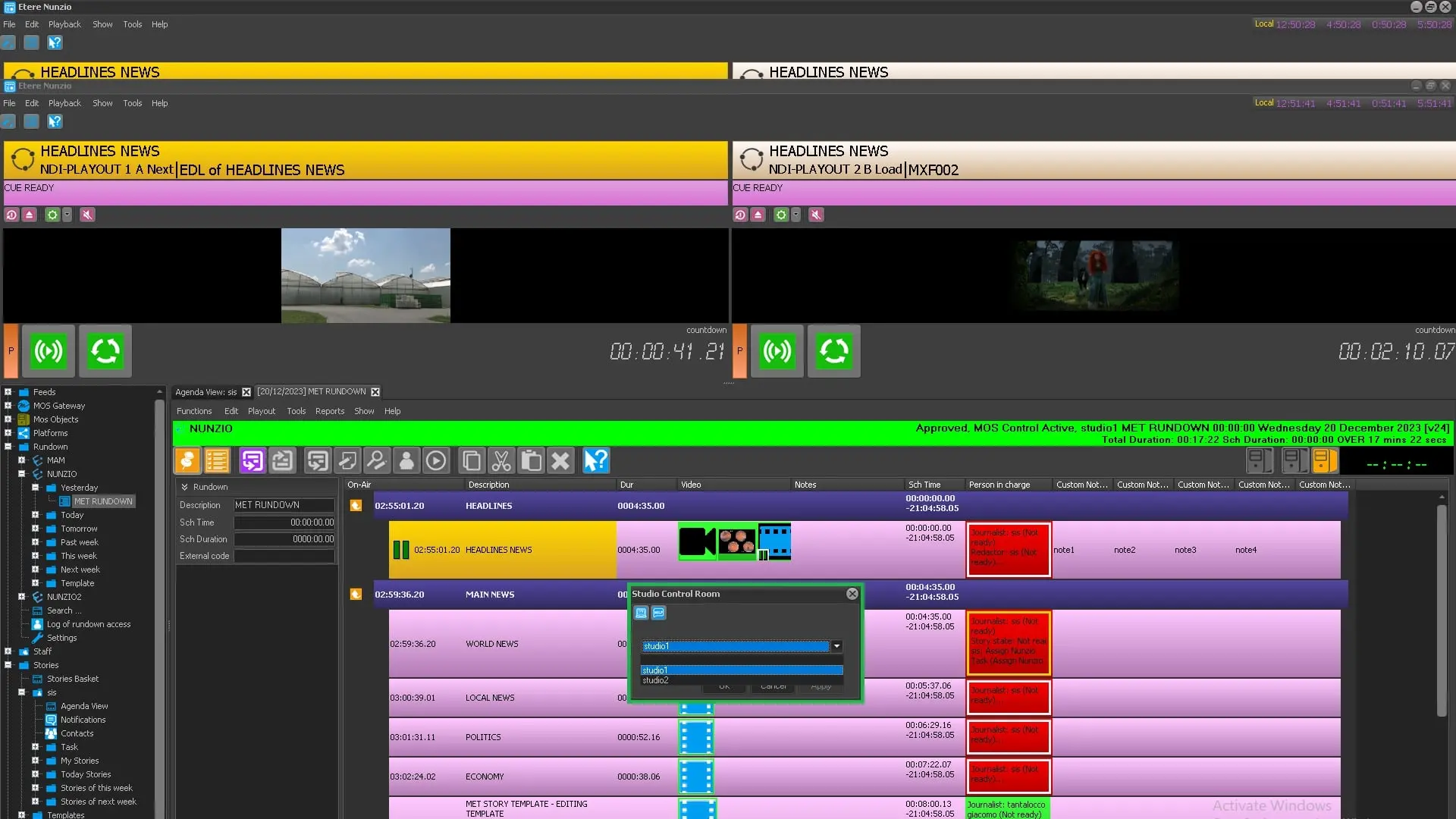 playout_set_studio_2_air
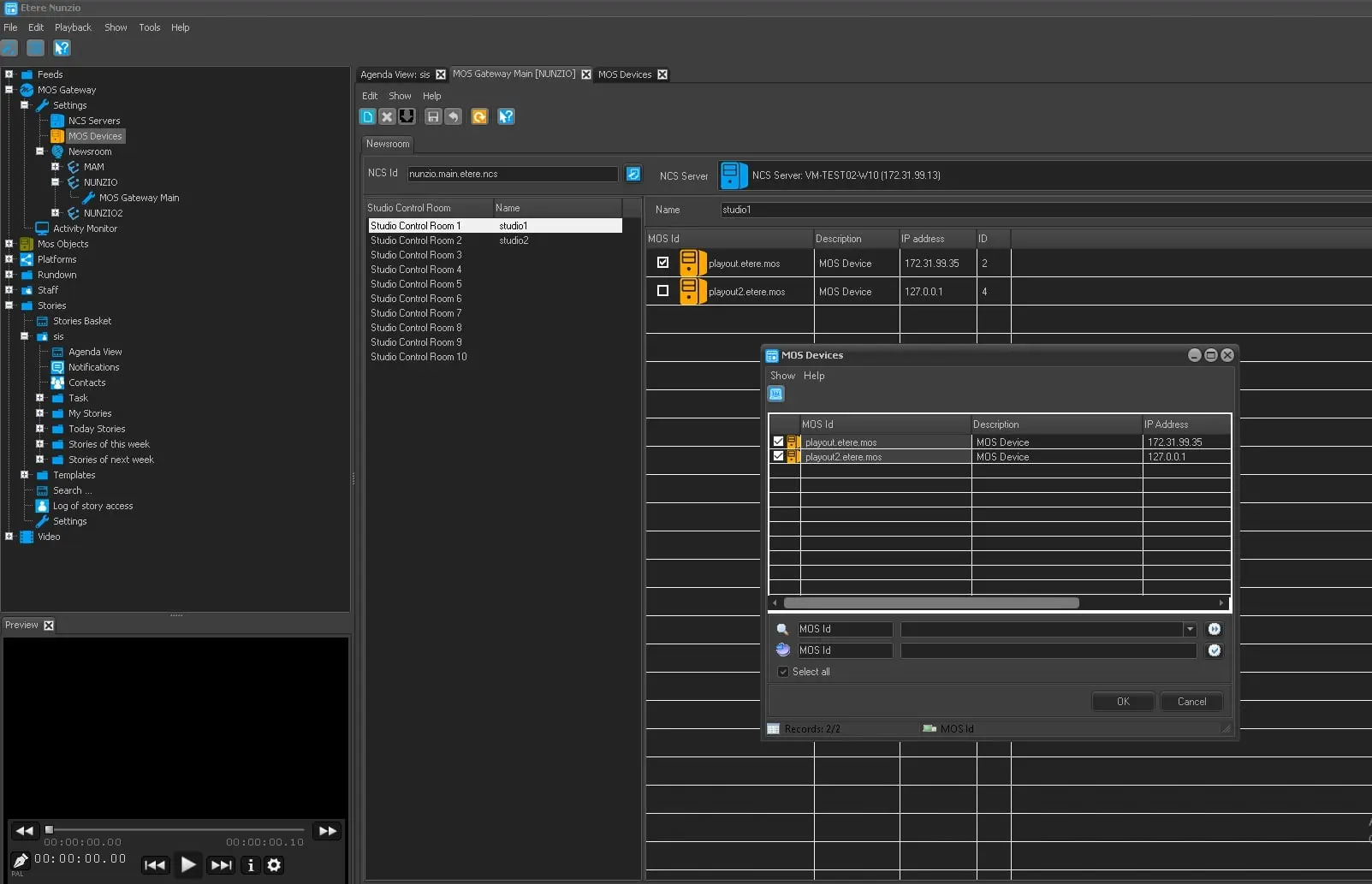 assign_mos_device
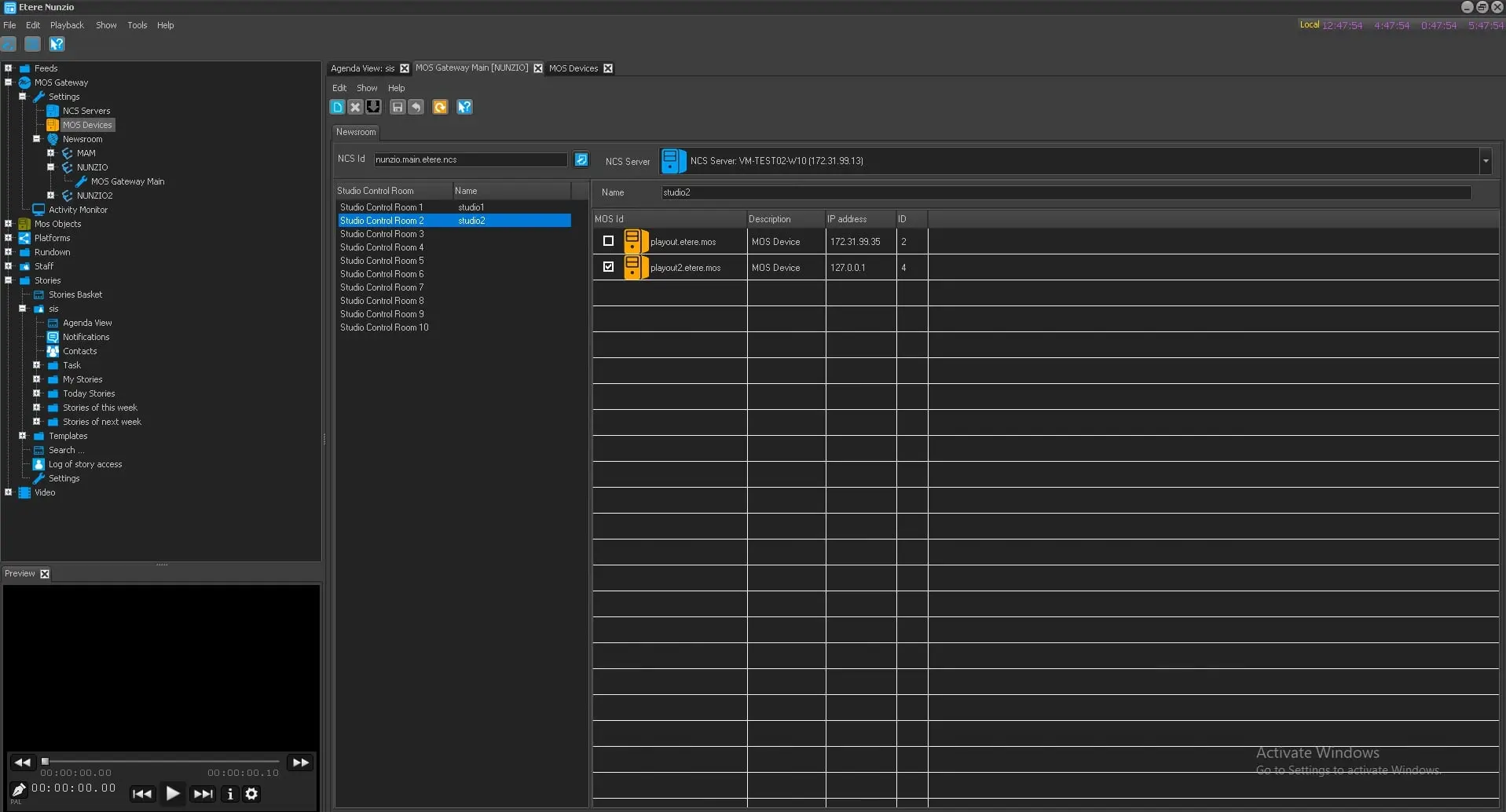 mos_Studio2
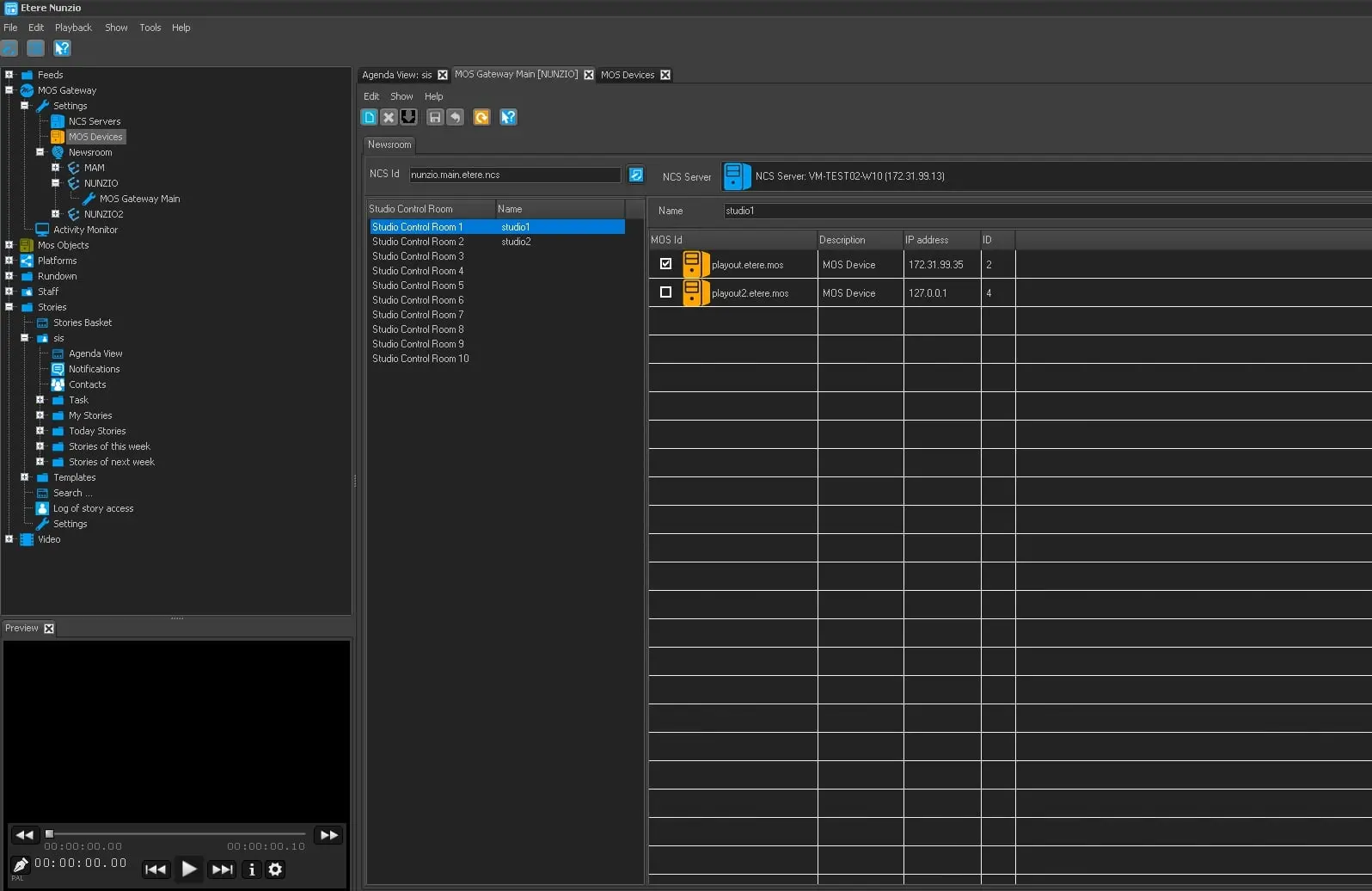 mos_Studio1
 add_mos_server_button