9.2.4.11 Show Images
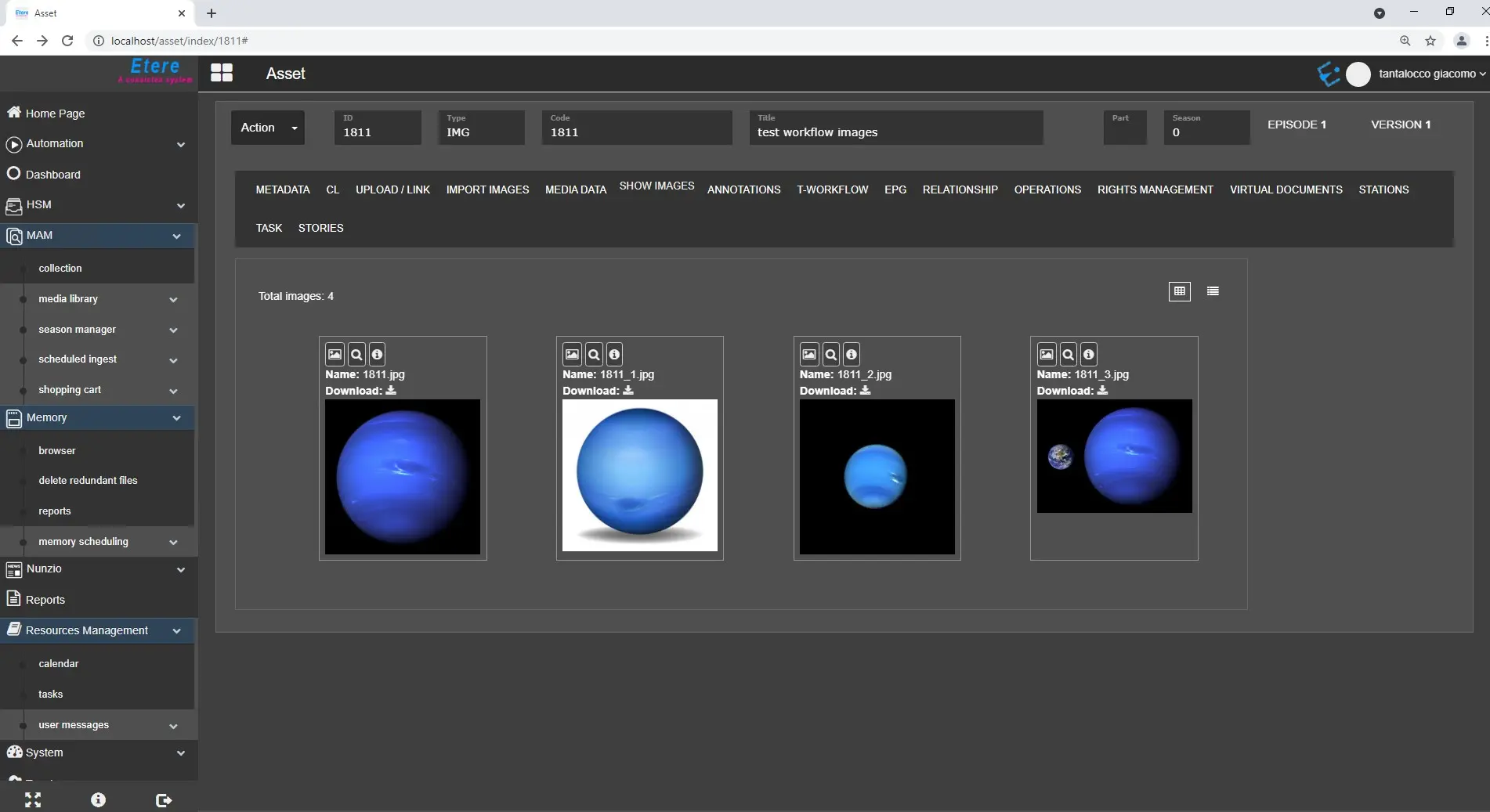
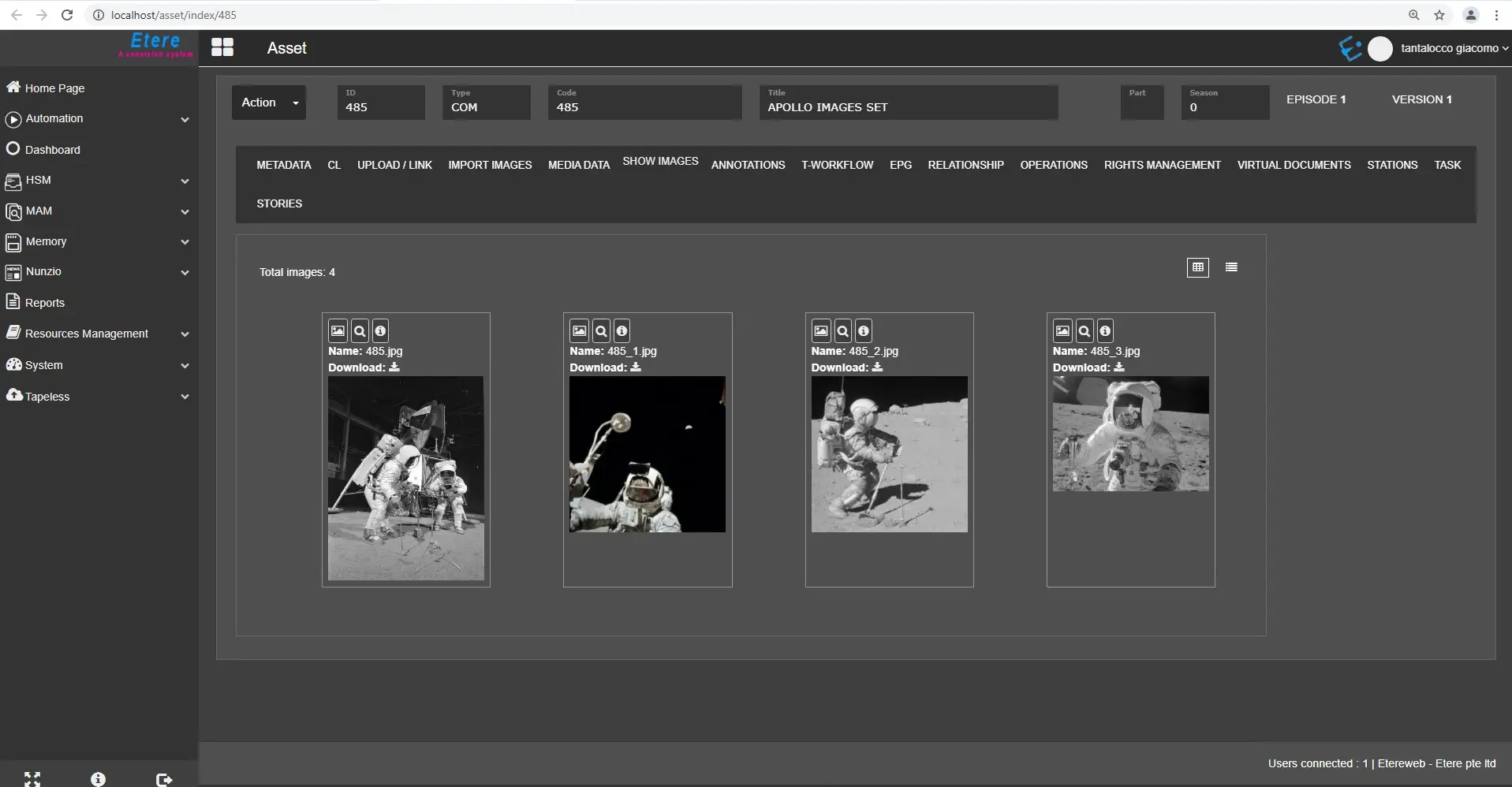
The Show Images tab in Etere Web provides a fully operational Images Gallery embedded into the Etere Web Interface.
Once an image has been imported to any given asset, it will be appended to the Show Images gallery.
images_gallery_1
images_gallery_2
It is possible to import single images as well as multiple photos at the same time.
Once the Show Images tab has been populated, we can manage all the available pictures in the following ways:
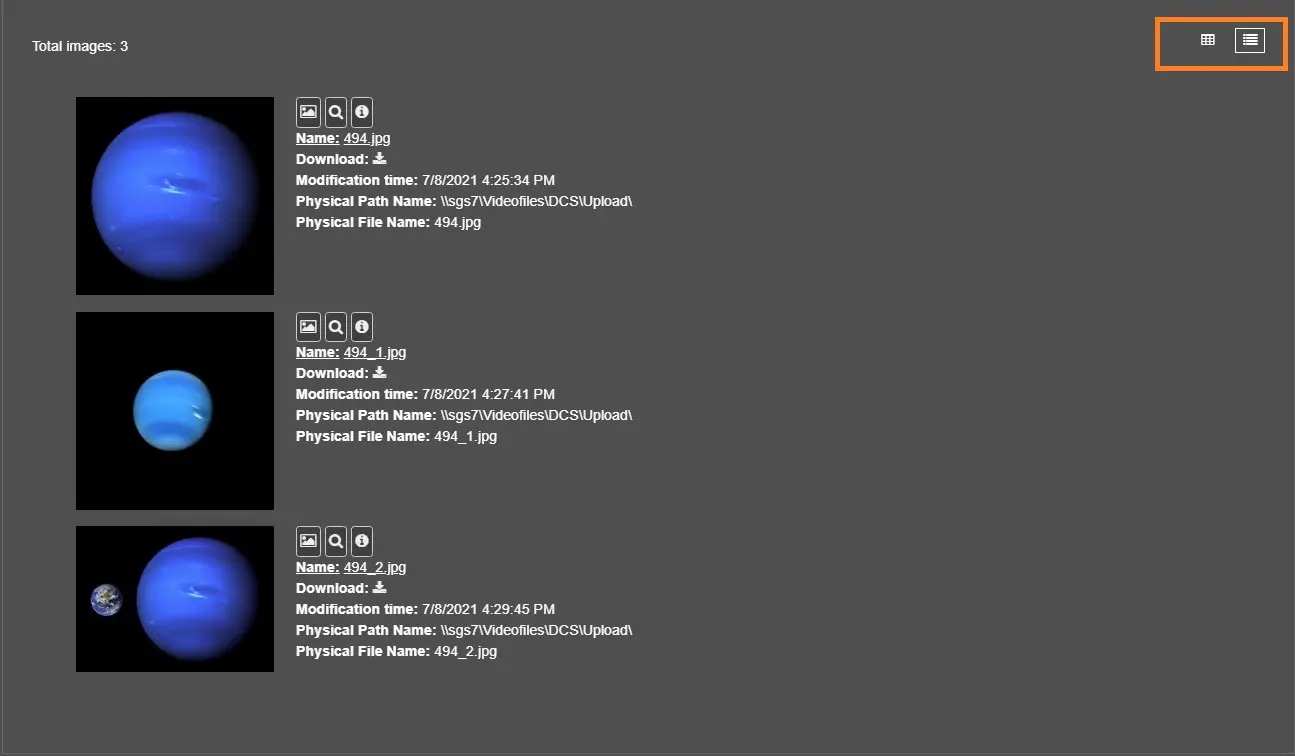
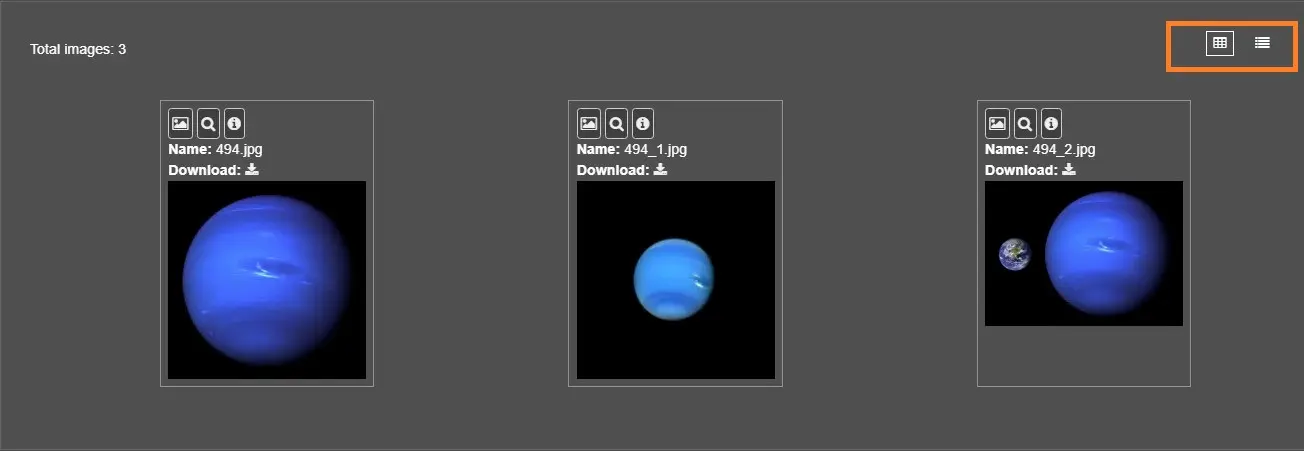
1. Change the gallery view from Thumbnails to List;
gallery_type_list
gallery_type_thumb
2. Set Asset Thumbnail, which would set any given image as Thumbnails for the given asset;
set_asset_thumb
3. Show Image function would open the given image in full-screen mode;
show_image
4. Show Details Info, which would list all the available Metadata for the given image;
show_details_info
5. Image Name, which would display the file name of the given image;
6. Download option, which would allow the download of the selected image.
download
WARNING: The tab would be available for TYPES with the Thumbnails Property.
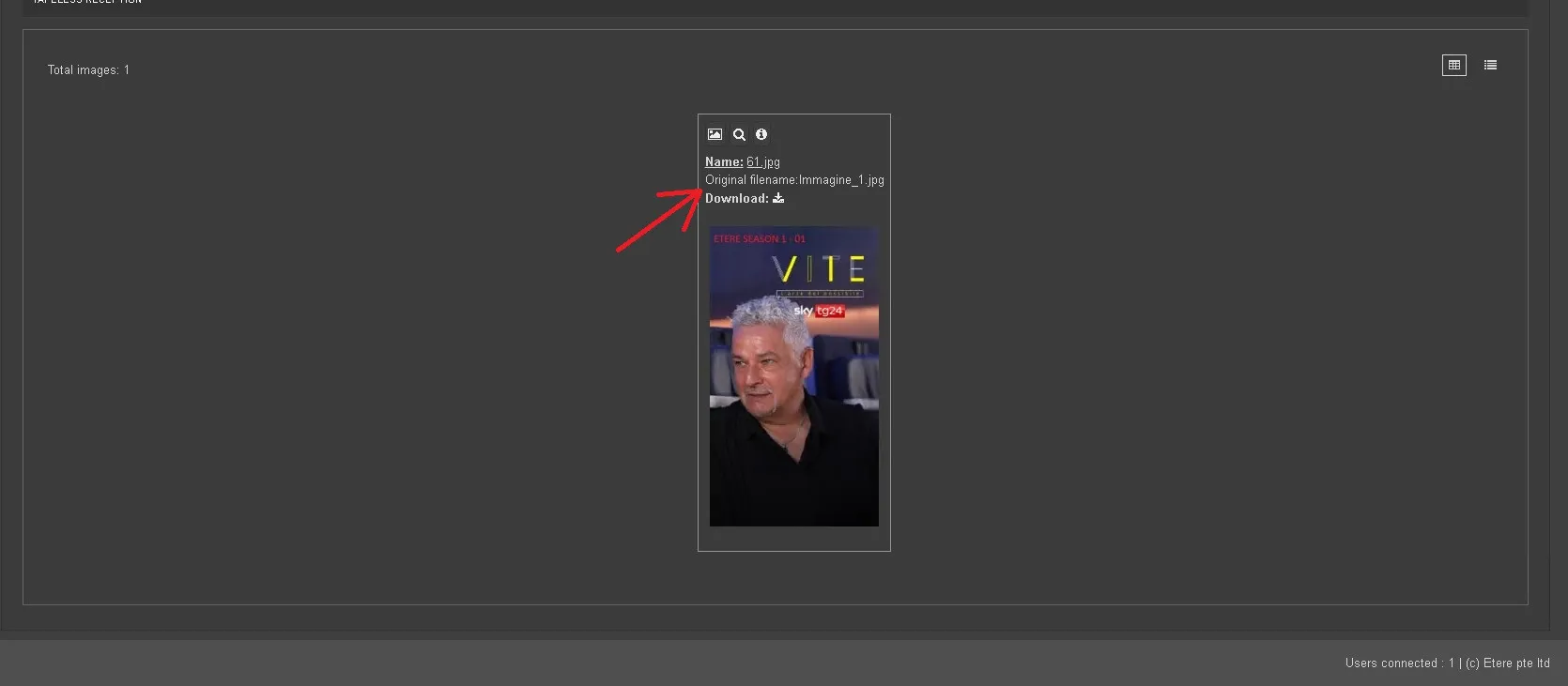
7. Original filename, the first name is shown before inserting into ETERE
Original_filename
WARNING: available since version 1983 (by ETEREWEB 36)
 images_gallery_1
 images_gallery_2
 gallery_type_list
 gallery_type_thumb
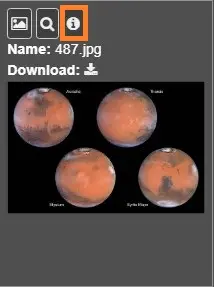 show_details_info
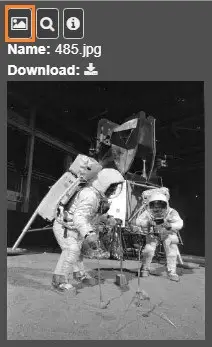 set_asset_thumb
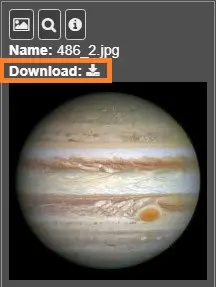 download
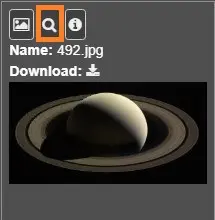 show_image
 original_filename