79.6.4.2 Upload
As the name suggest, the UPLOAD page would allows users and operators to upload video files into Etere Ecosystem, letting them to be available anytime in the Etere newsroom and Etere MAM.
The Upload procedure is really straightforward if the pre-configuration has been made according to our Online Help Guide.
The procedures to upload video or images content are the following:
1. Move to the UPLOAD view;
2. Press the CONTENT UPLOAD icon in the upper-right section of the landing page;
content_upload
3. The application would redirect the user to the Media Page of any given device;
content_upload_landing
4. Select the Media we want to upload into Etere nunzio Newsroom;
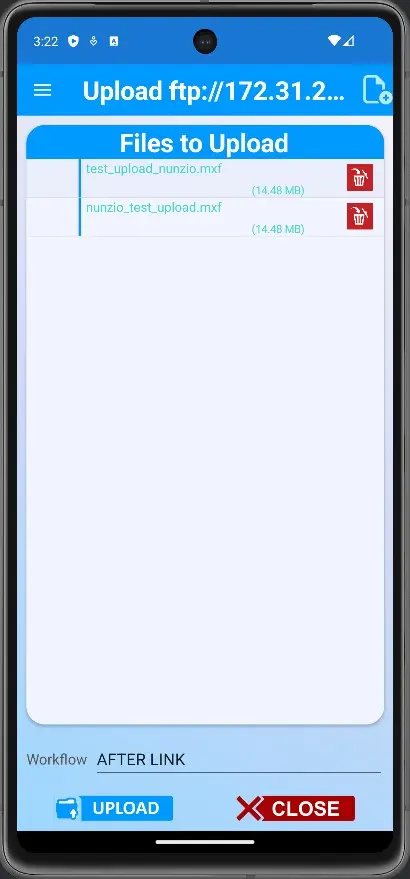
5. Once the file has been selected, the App would redirect us to the previous UPLOAD page with the previously selected file ready to be UPLOADED into Etere nunzio environment;
upload_landing
6. Select the AFTER UPLOAD WORKFLOW previously created and previously inserted into the Defatult T-Workflow in:
Etere Configuration > Configuration Editor > T-Workflow > Default T-Workflow
and then press the UPLOAD button.
default_t_workflow
7. The UPLOAD procedure would eventually start. When the upload is finished, the app will remain in the same page, showing the last UPLOADED media with the brand new Asset ID listed in the bottom of the progress form.
progress_form
The upload procedure is complete. Now, press the CLOSE button to start a brand new operation in Etere Nunzio App.
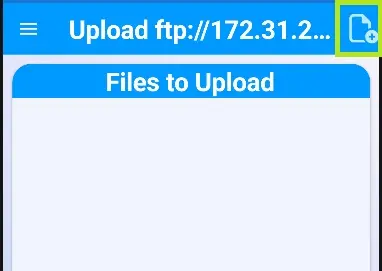 content_upload
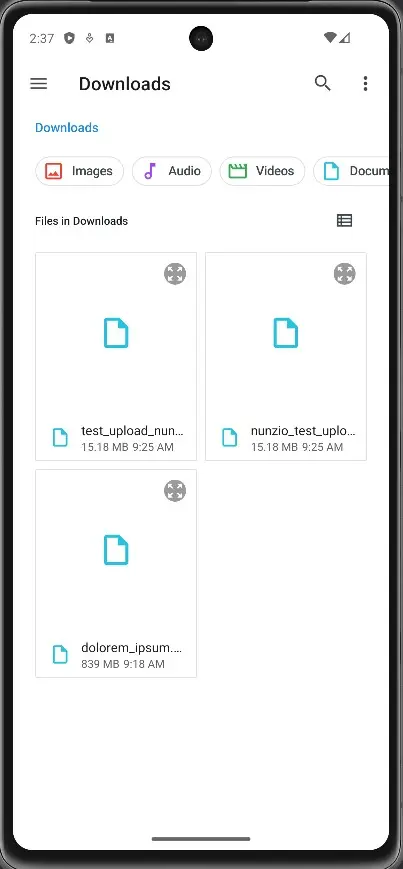 content_upload_landing
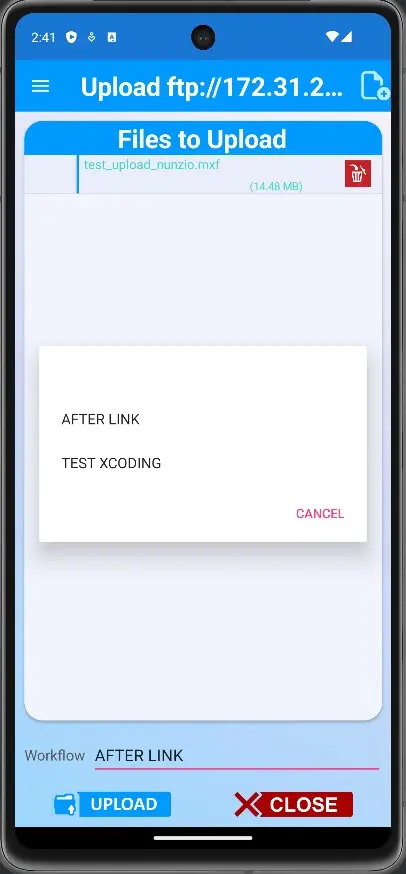 default_t_workflow
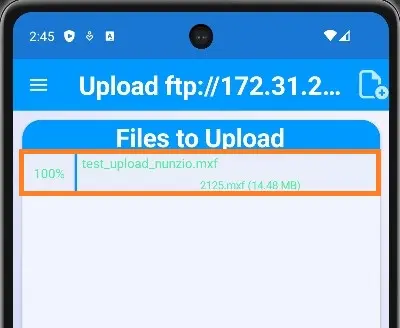 progress_form
 multiple_files_upload