Required Configuration
72.7.4.10 Using the flexy converter workflow
Subtitles can be automatically handled (i.e. inject, imprint and extract) via Etere T-workflows just by following the procedure below:
1. Open ProMedia Carbon, create a project as explained in the following chapters:
Create a Subtitles Injection Project
Create a Subtitles Extraction Project
2. Open Configuration > Configuration Editor module and navigate to the "DataMover > Transcoding" section.
3. Press the [Create new action] button, set the parameters below (as specified in the Etere Flexy Converter chapter) and press the [Save] button.
4. Import and configure the project to be used to automatically embed/imprint subtitles via T-workflow:
Import Carbon project
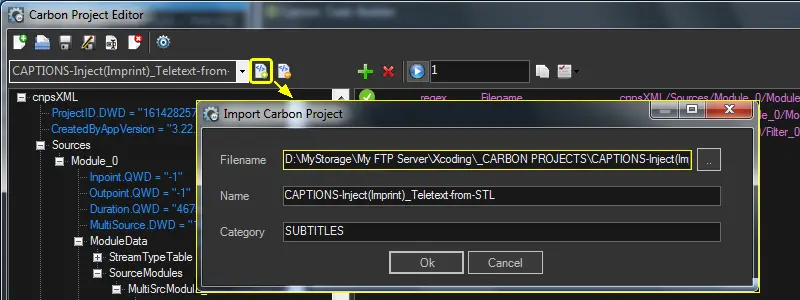 Import_Carbon_project