Etere Support
1.1.3.2 How to use www.etere.com
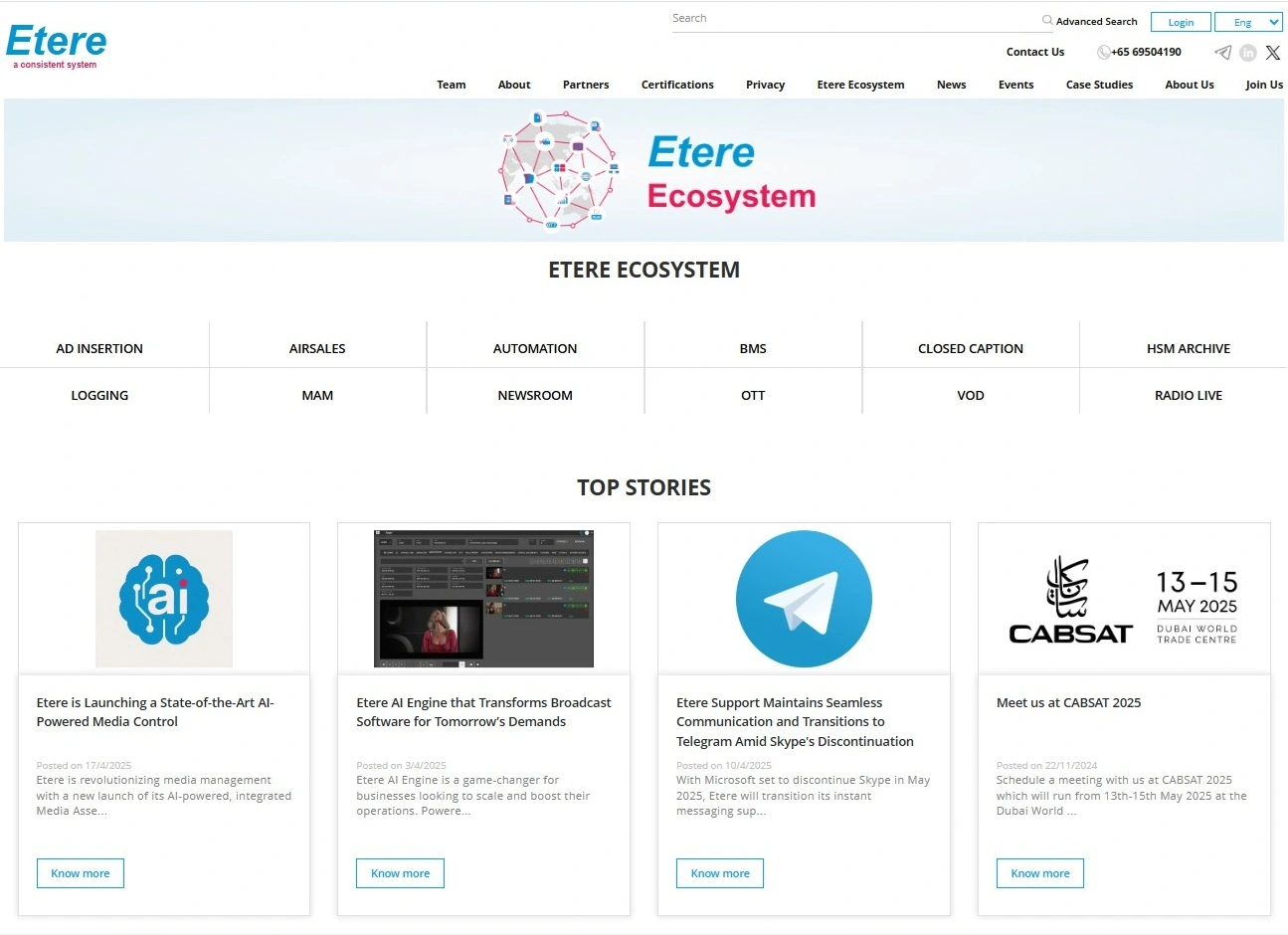
Etere’s website, www.etere.com, is a dynamic web portal for Etere’s customers to communicate with Etere in a simply, intuitive and efficient manner. This section and the following ones of the user guide provide details about the Etere website and how to perform key operations in it.
To access the site, enter www.etere.com in your browser.
Common errors during Login
Here are some of the most common error messages related to login attempts:
• Error # 1: Customer’s support contract is expired.
The “Support contract expired, please contact sales@etere.com” message appears if the customer’s support contract has expired.
• Error # 2: Login password has expired a long time ago.
The “You did not log in for more than XXX days; please contact support@etere.com to update your login” message appears if the customer’s login credentials have expired and have exceeded the grace period.
• Error # 3: Login password is expired but within the grace period.
The “Password is expired, please update it” message appears if the customer’s login credentials are still within the grace period.
 homepage_2025