Search Assets
9.2.4.3 CL
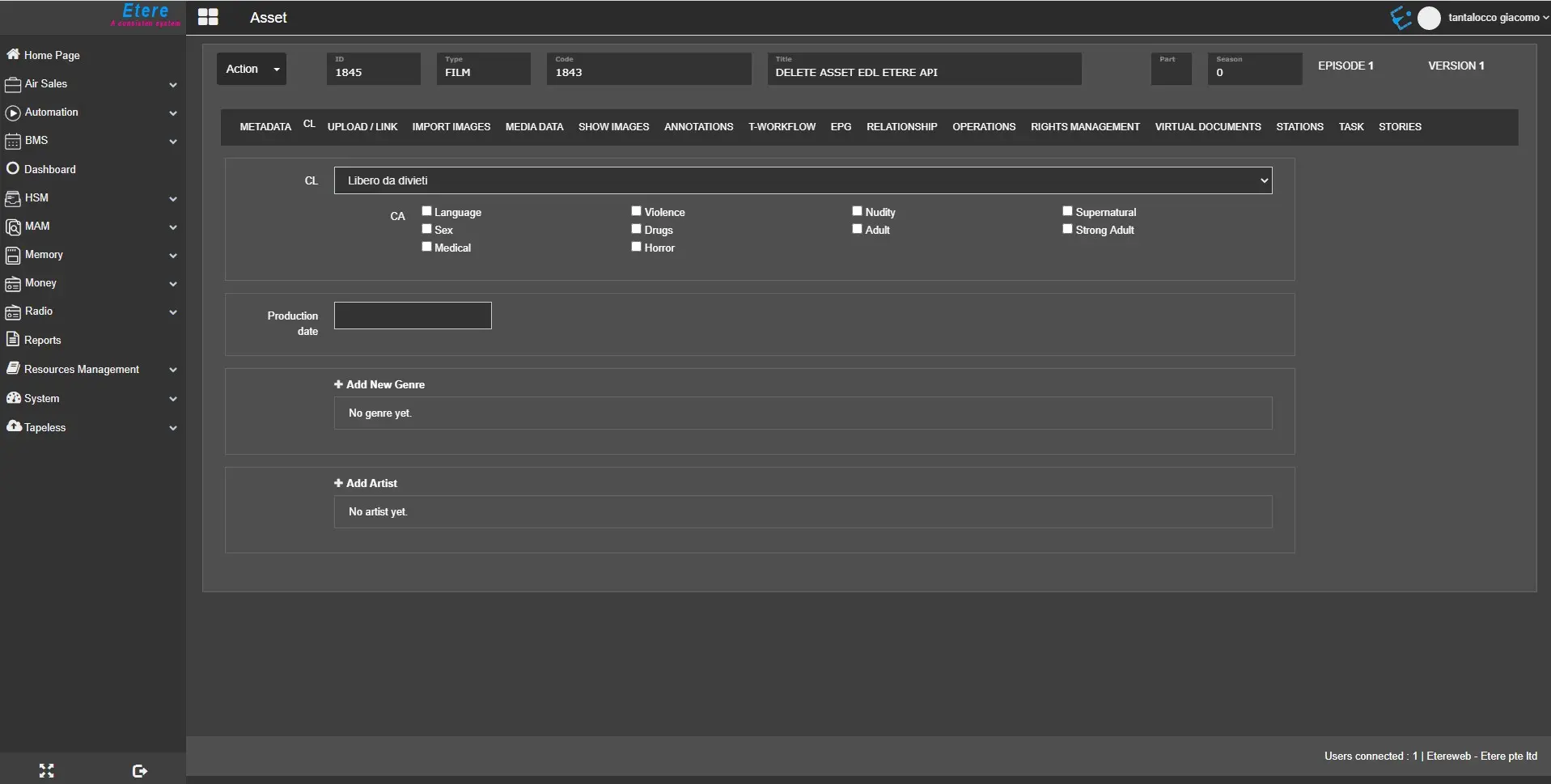
The CL TAB contains information on the asset’s content classification.
cl_field
- CL: Select an appropriate parental guidance classification for the asset form;
- CA: Select the type of consumer advice(s) featured in the asset that would be inappropriate for a specific audience;
- Production Date: Date of production of the given asset;
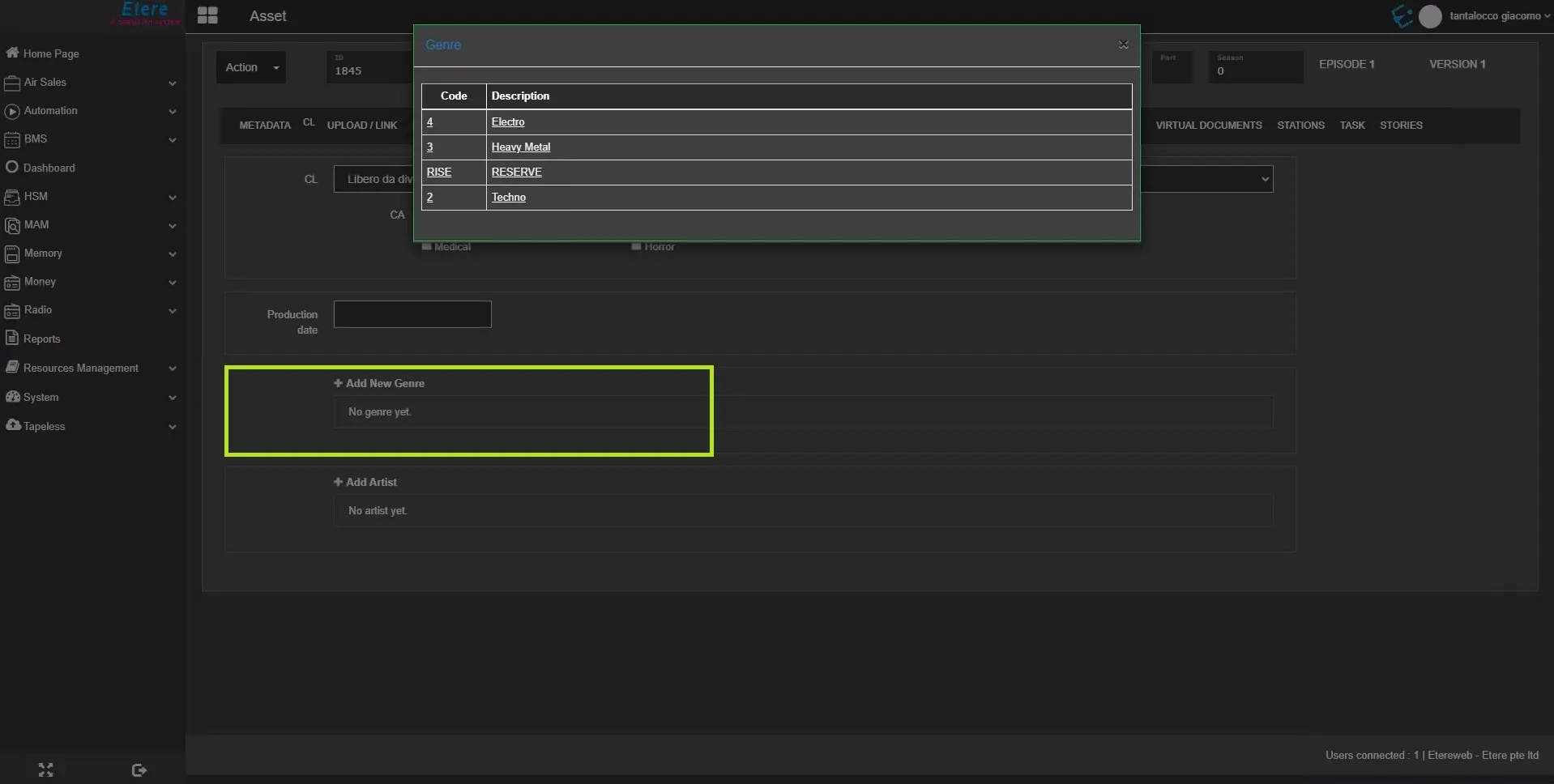
- Add New Genre: Click the “+” sign to add a new genre to the asset form:
add_aew_genre
From the list of genres, select the genre to be added (one at a time) to the asset form by clicking on the genre code or description.
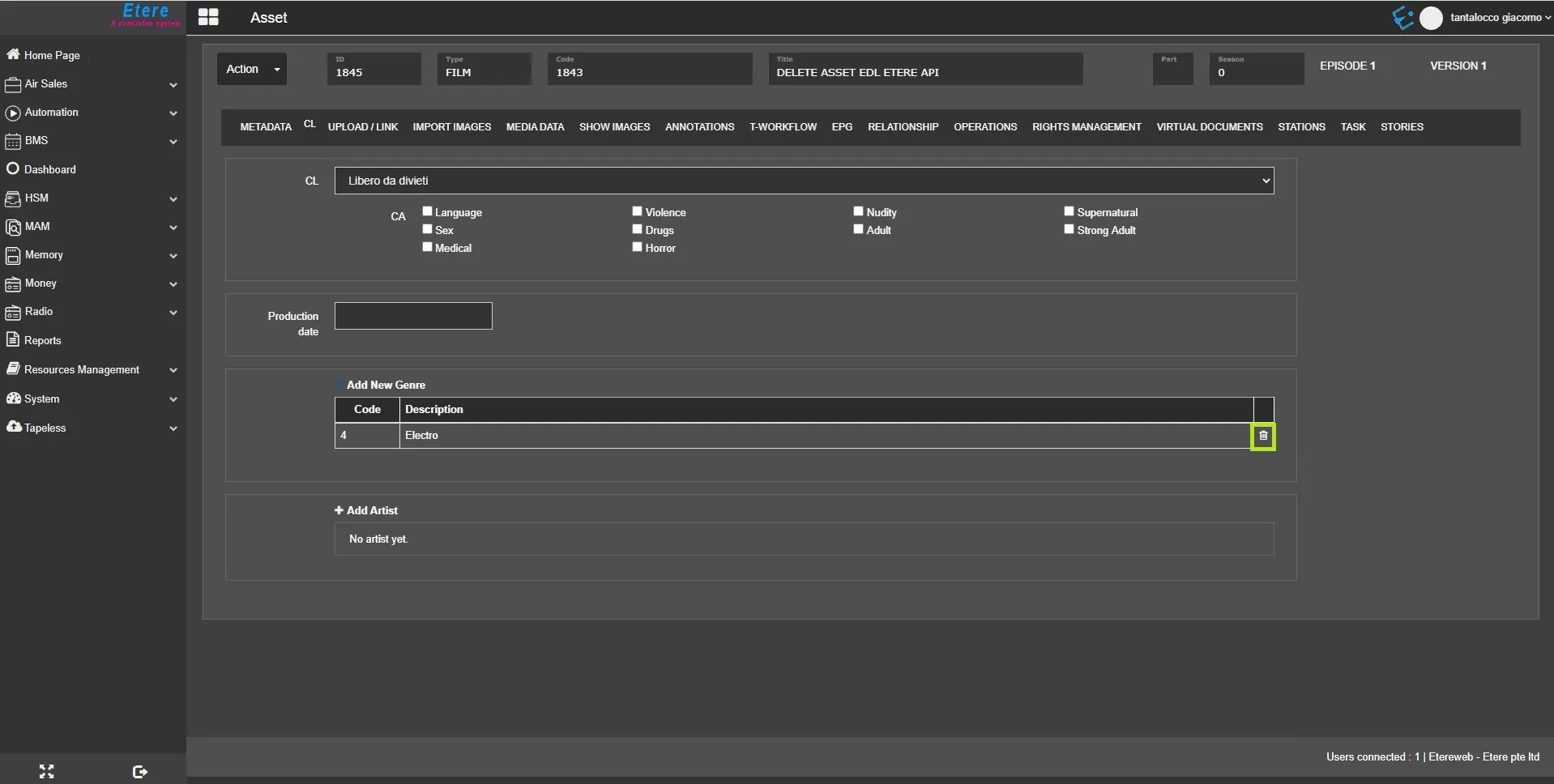
remove_genre
To delete any genre from the list, click the delete icon in the last column to remove the genre.
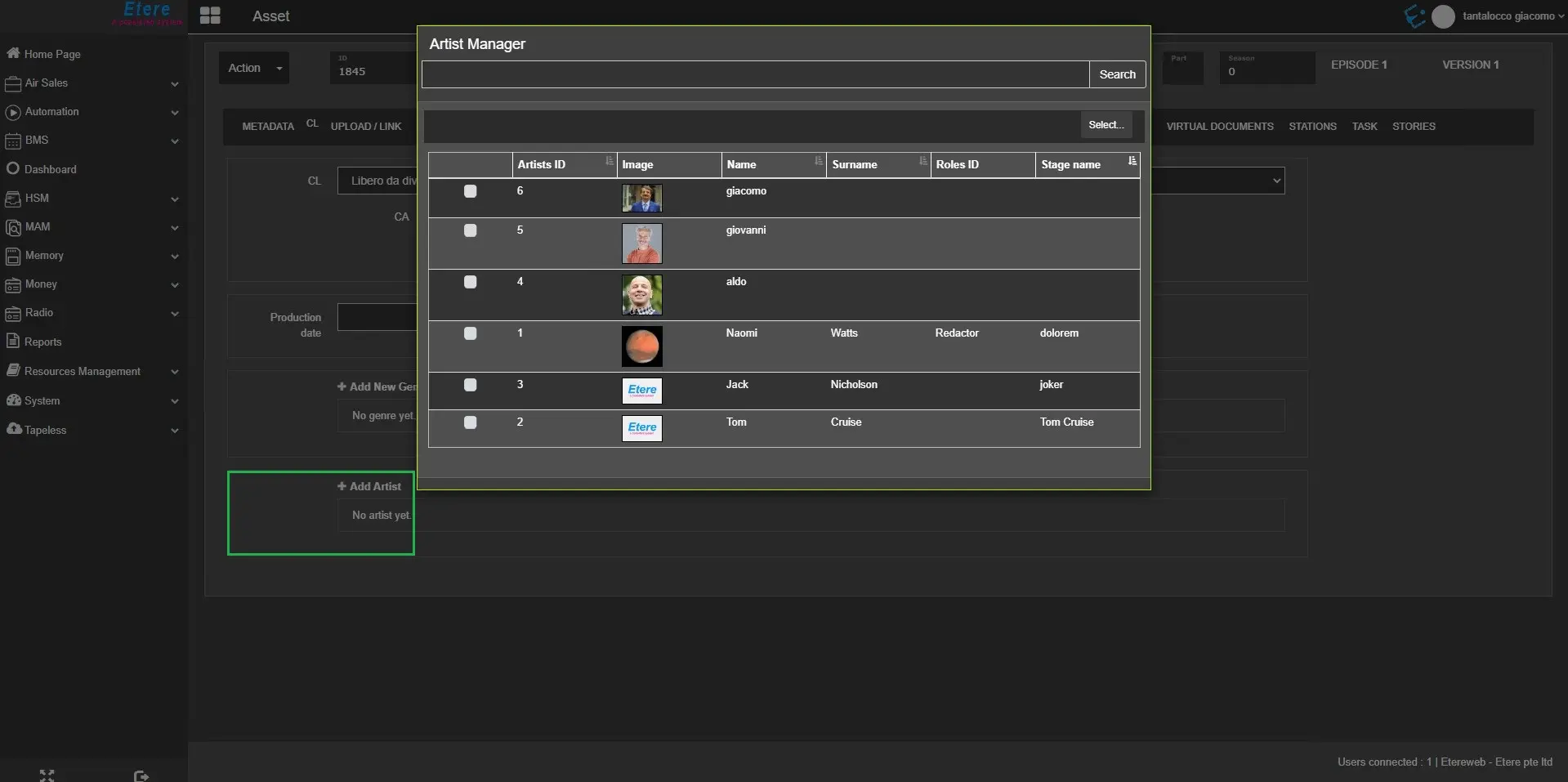
- Add Artist: Click the “+” sign to add artist(s) associate with the asset form:
add_artist
From the list of artists, select one or more artists and click the Select button to add artists to the asset form.
After an artist is added to the asset form, you can view the artist in a desktop application and vice versa.
Moreover, you can modify the artist if the asset is a single asset form. If the asset is part of the season, it can be changed only through Season Manager.
 cl_field
 remove_genre
 add_new_genre
 add_artist