91.5.6 Etere HTML5 Import
Etere Graphics Editor is also capable to create HTML5 graphics.
html5_import
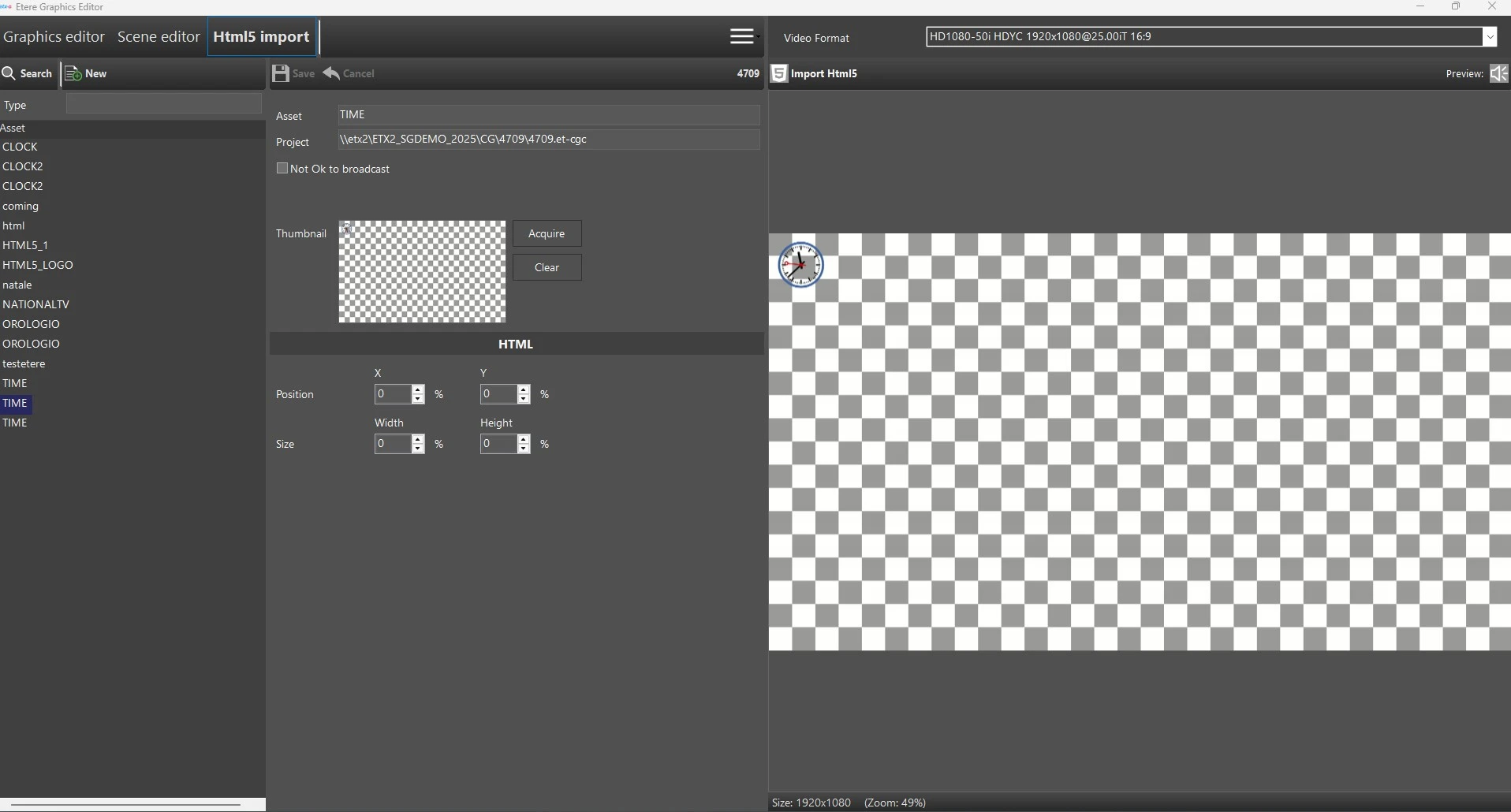
In order to create this kind of graphics, select first of all the section Html5 import, at the top of the window.
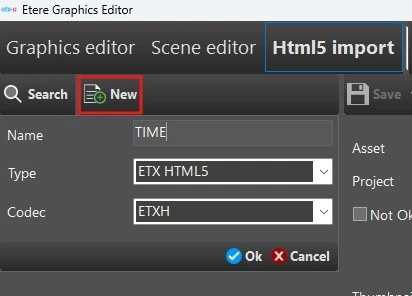
As for the other sections of this module, click on New button to add a graphic asset to the database. It must have ETX HTML5 type and ETXH codec. The name typed at this stage will be the asset description, while the asset ID and code will be automatically and progressively assigned.
html5_import_new
Once done, the module will create a new subfolder in the default graphics folder (which can be defined in Etere Configuration > Settings > Schedule parameters > Global tab), named as the asset id, and will immediately create the empty graphic's configuration file, named as [asset id].et-cgc.
You can now start importing html graphics files through the button Import Html5.
The imported files, will be copied in the subfolder previously created.
You can then resize and move the graphics, using the controls Position and Size, which values are expressed in percentage.
These values will be written inside the configuration file as soon as you save the graphic project.
 html5_import
 html5_import_new