Useful functions and features
91.12.1 Audacity integration
Also, clips and songs by Etere Radio Live can be edited using the integration with the editor Audacity.
Installation:
download and install Audacity from
https://www.audacityteam.org/download/windows/
download and install ffmpeg for Audacity from
https://lame.buanzo.org/ffmpeg.php
once installed , the context menu voice "Edit by Audacity" from annotations section of Media Library can be used with the interested clip of the asset you are working on
notes: only one trace can be loaded into Audacity and, in case of more traces, a popup window will appear where you can select the trace you want to load in Audacity
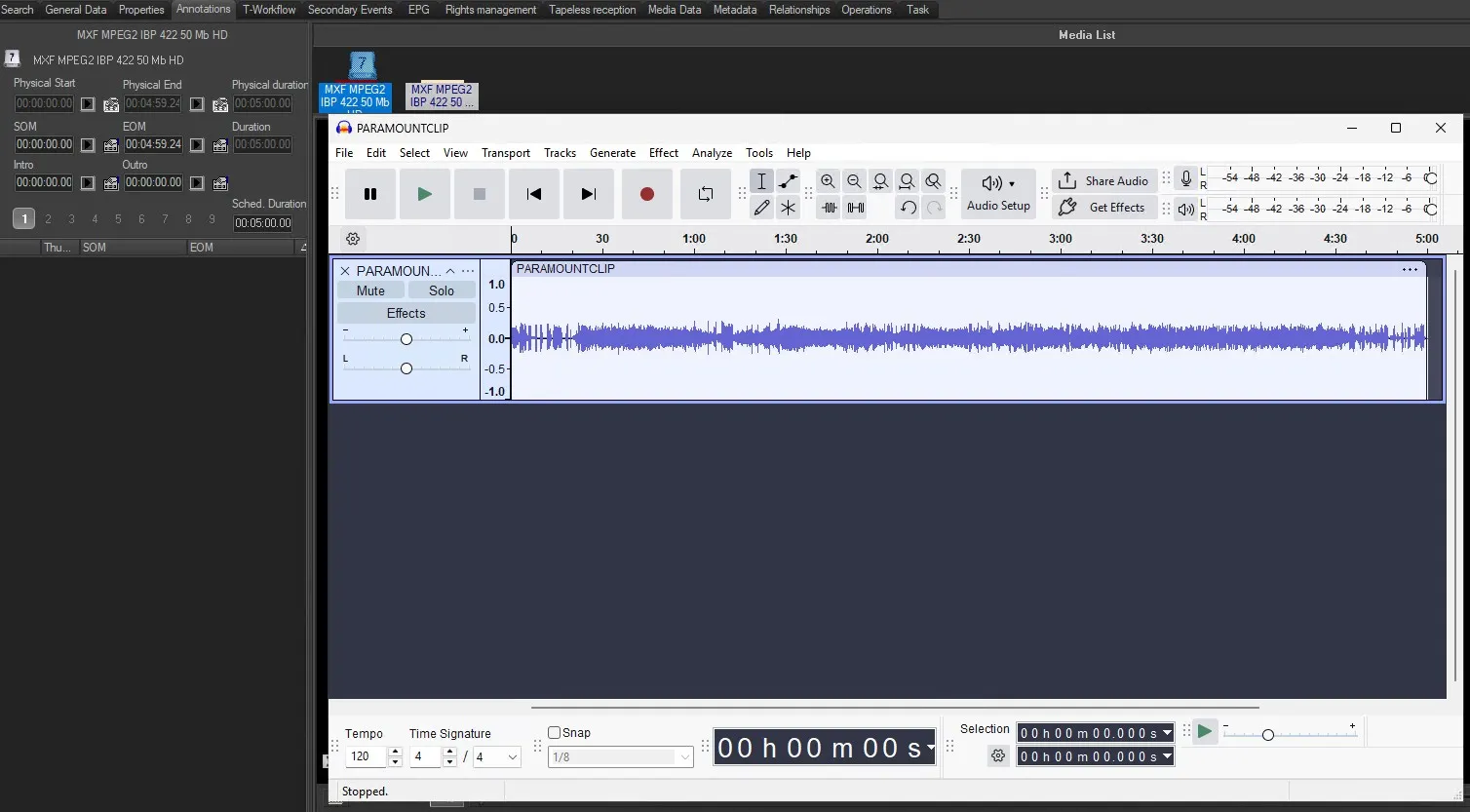 Audacity
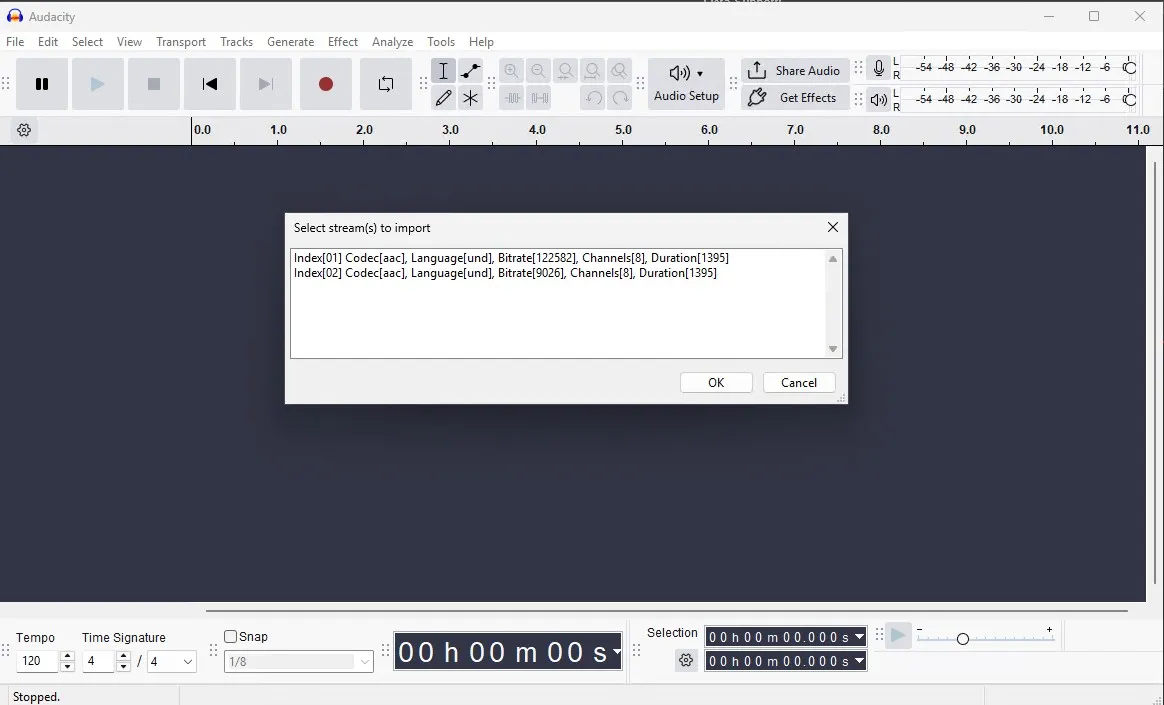 more_traces
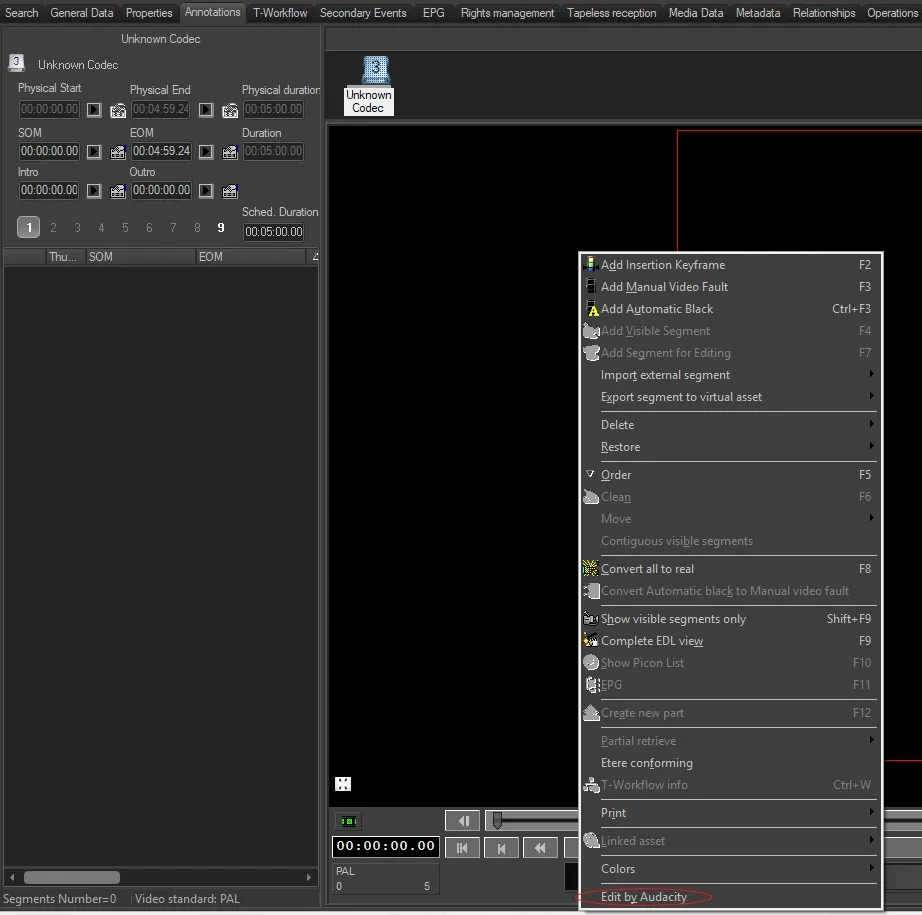 Edit_By_Audacity
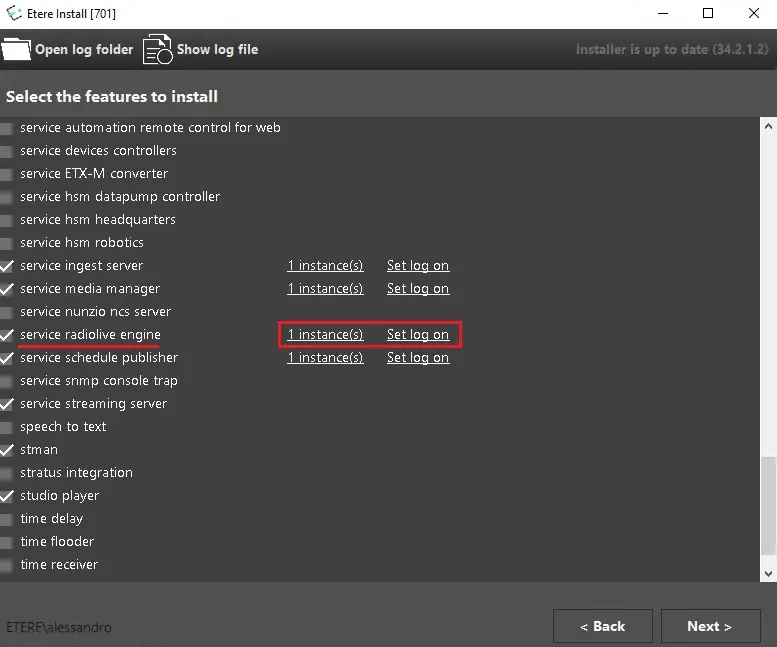 engine_service_feature
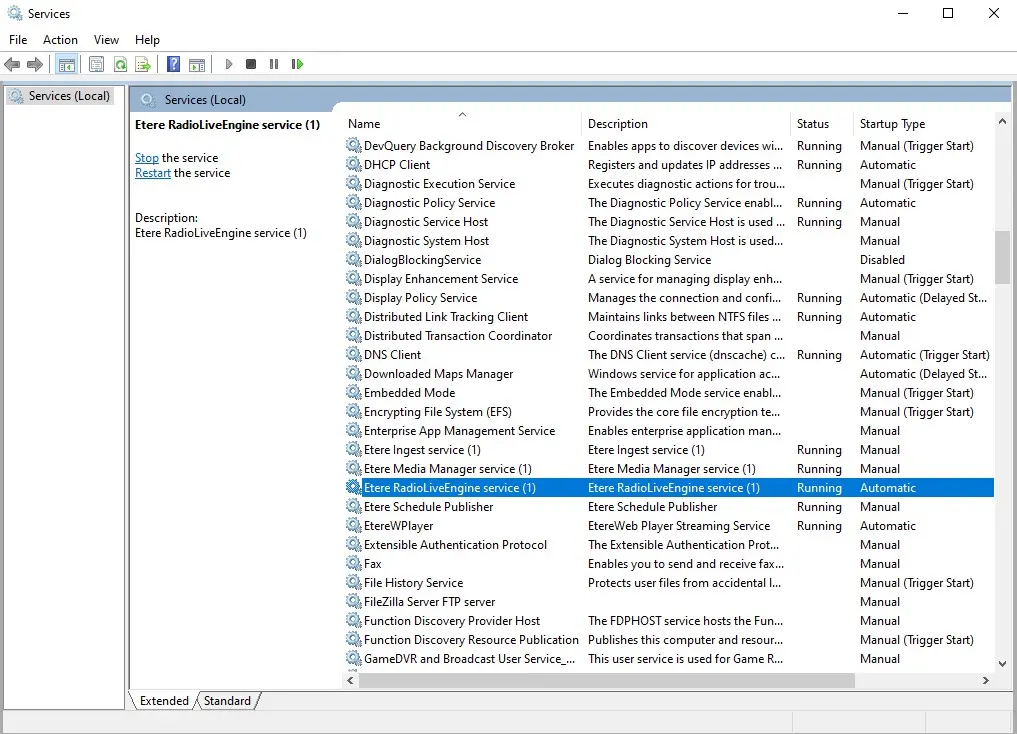 engine_service_installed
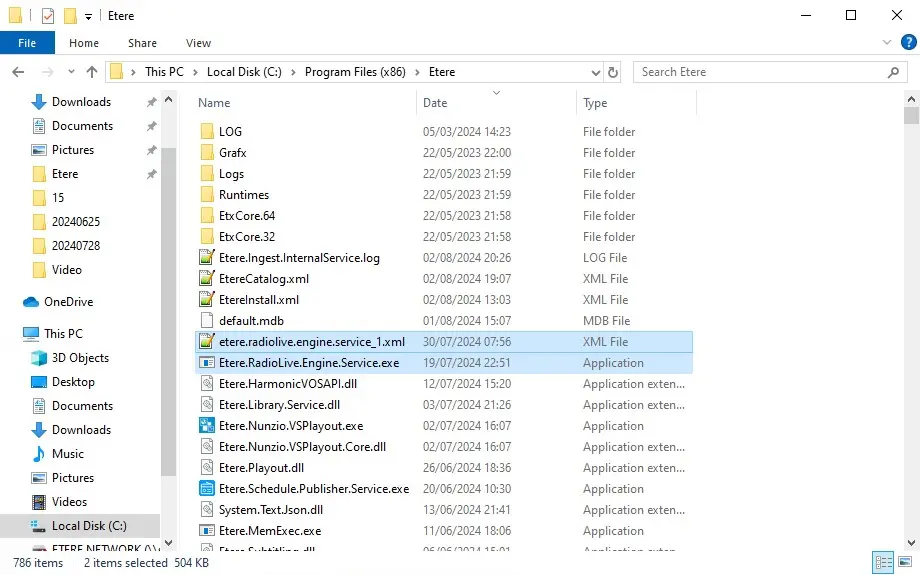 engine_service_files