72.2.1.1 Creating Assets
Media Library allows creating assets (within the Etere's database) in various different ways specific for different situations. in order to create a new asset it is enough to go to the File | New option from the main menu, press the [New] button from the toolbar (or use the CTRL+N combination key):
New
Depending on the status of the 'Use the extended form when creating assets' parameters, which is set under the Etere
Configuration > Settings > Basic > Media Library > General section, one of the following forms will be displayed:
• Standard Asset Creation (Use the extended form when creating assets = disabled);
• Extended Asset Creation (Use the extended form when creating assets = enabled).
Whichever the used action is, a new asset will be created within the Etere database and it will be possible to start detailing the asset-related information across the different tabs available (see the Asset Features chapter).
Moreover, assets can also be created using other methods which are explained in the Other creation Methods chapter.
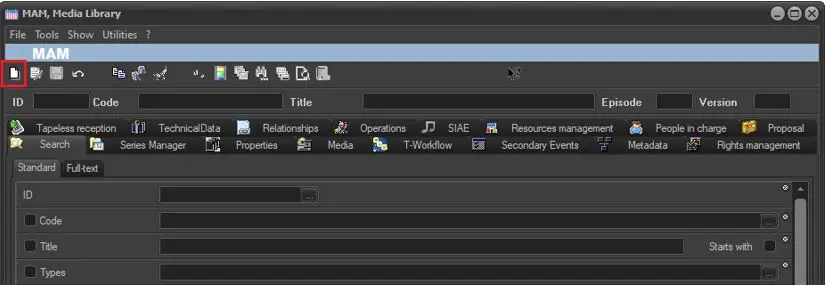 New
New