Menu Section
77.2.1.2 Search Asset
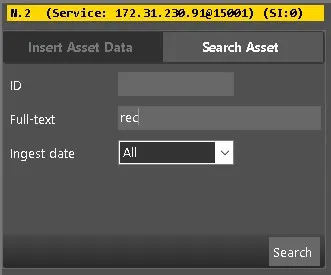
This Search Asset tab enables you to perform a full-text search to locate the asset in Etere database.
Search Asset
•ID: Search asset by its asset ID.
•Full-text: Enter the keywords to perform a Google-like search in the asset database.
•Ingest date: Narrow the search by selecting an ingest date, e.g., Today, Yesterday, Last week, etc. Or select "All" to include all dates.
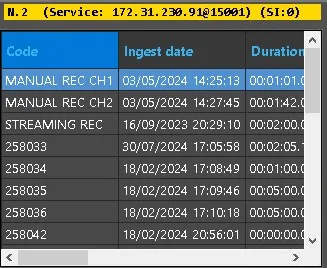
Next, click the <Search> button to search for the asset.
 search_for_asset_2
 results_2