Client Interface
77.1.4 Import File
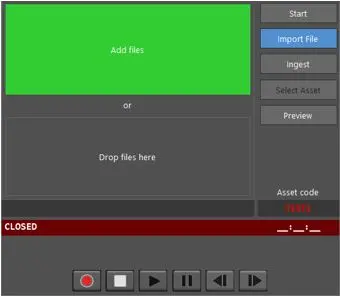
The Import file function allows you to select a file to be imported.
Import file
•You can locate the file in the network and add the file to be imported
•If the file is located, you can drag and drop the file into the box.
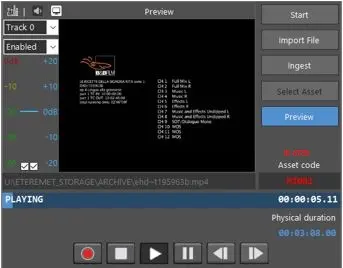
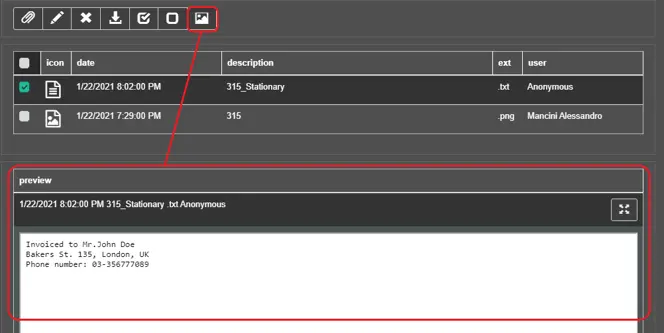
With the <Preview> button, you can preview the file to be imported.
Preview
NB: When previewing the import file, the setting of the audio track is not applicable.
Click the <Start> button to begin the import.
Start
During Preview and Import, the video format of the importing file is displayed in line with the Asset code.
 Start
Start
 Import_file
 Preview