Etere.MultiIngest.exe
77.1.6 Play Asset
Upon completion of import asset or ingest asset, you can filter the asset and start playout the asset.
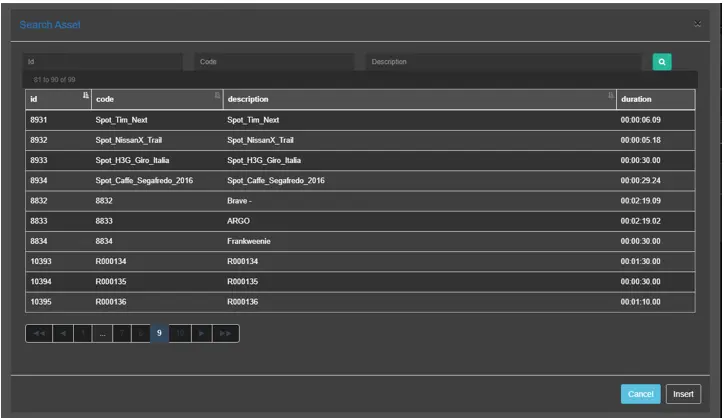
First, find the asset using the Search Asset function.
Search Asset
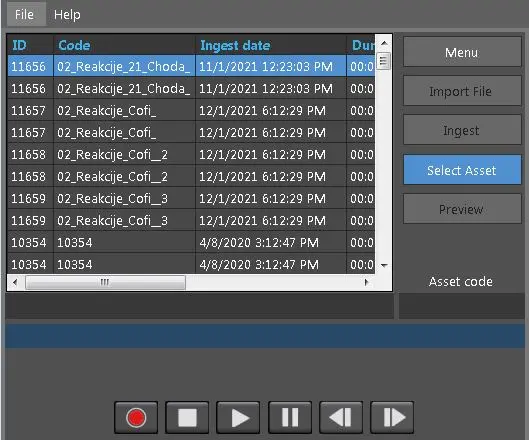
When the asset is located, double-click on asset to load the asset into Preview.
Preview 1
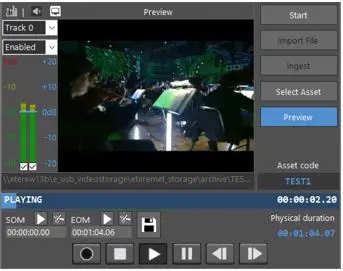
When asset is loaded into Preview, the <Preview> button would be activated.
Preview 2
In the Preview window:
•It contain the last clip loaded into the Preview.
•If you single-click on another asset in Search Asset form and click the <Preview> button, the previously loaded clip would appeared in preview.
•If you double-click on an asset, a new preview window would be loaded, where you can preview the asset and modify the MarkIn and MarkOut of the asset .
 Search_Asset
 Preview_1
 Preview_2